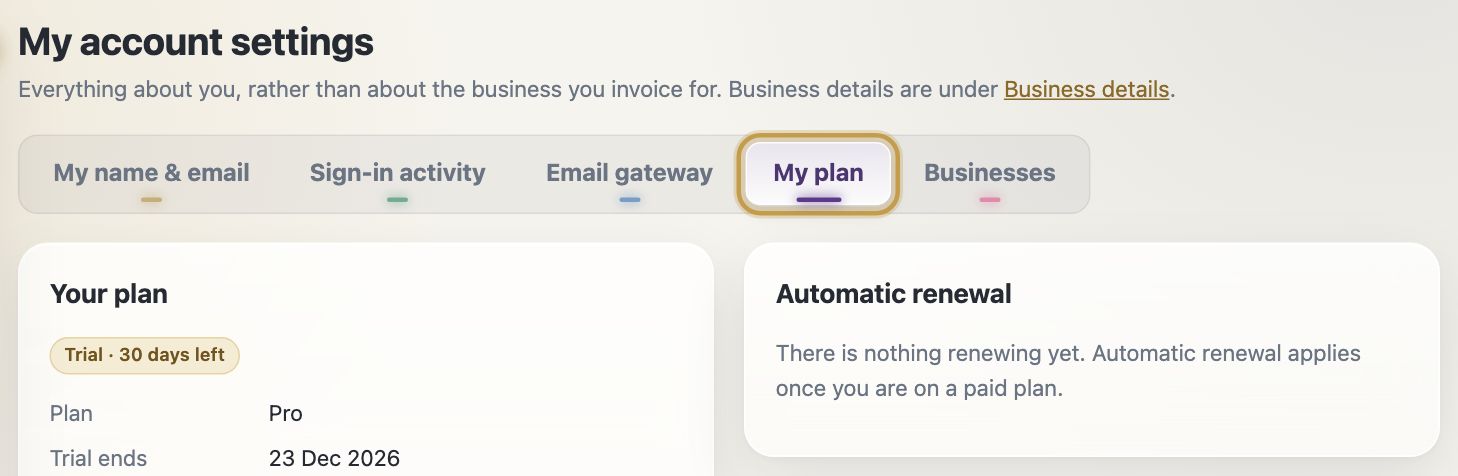
Choose or change your plan
Keep going after your trial, add companies and people, or stop renewing.
-
Open Subscription
Choose the trial or plan badge at the top of the screen, or Subscription in the menu behind your initial. It shows when your trial ends.

-
Pick a plan
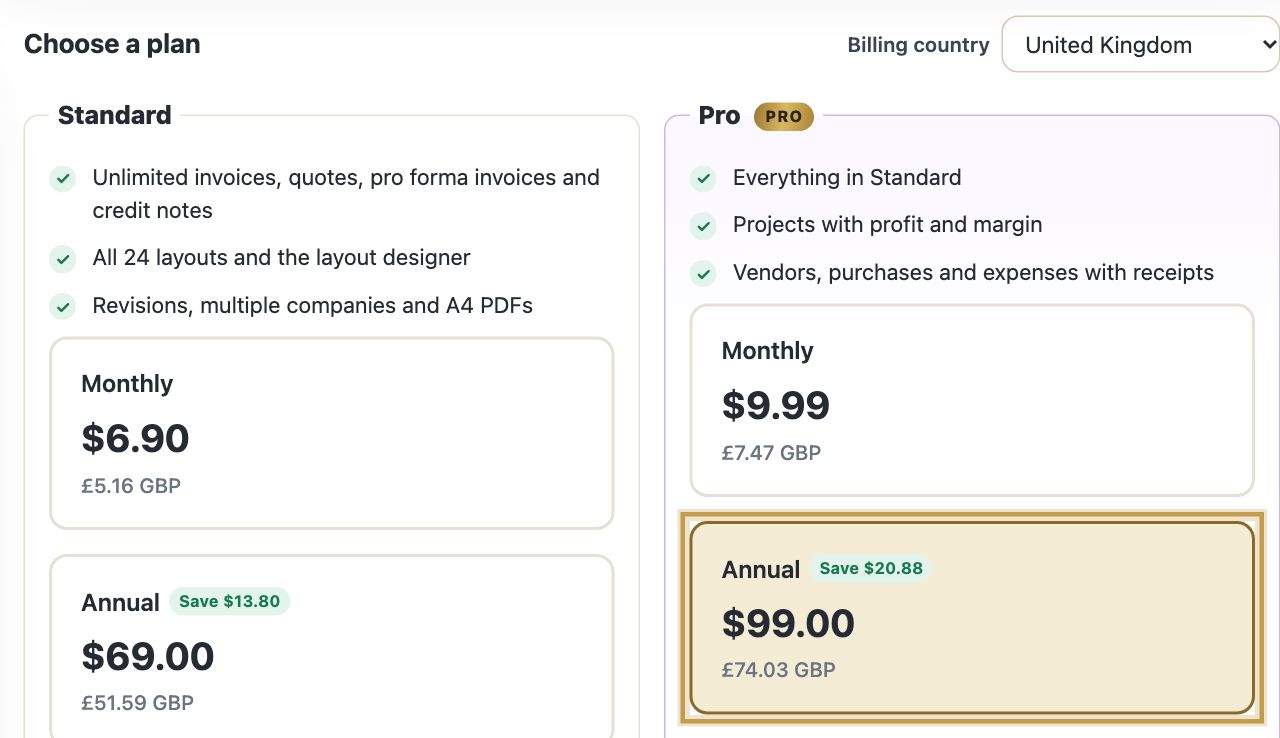
Standard covers invoicing; Pro adds Projects and payment links. Choose monthly or annual (annual costs less). Prices are charged in US dollars, with an estimate in your own currency beside them.
-
Add companies and people, then pay
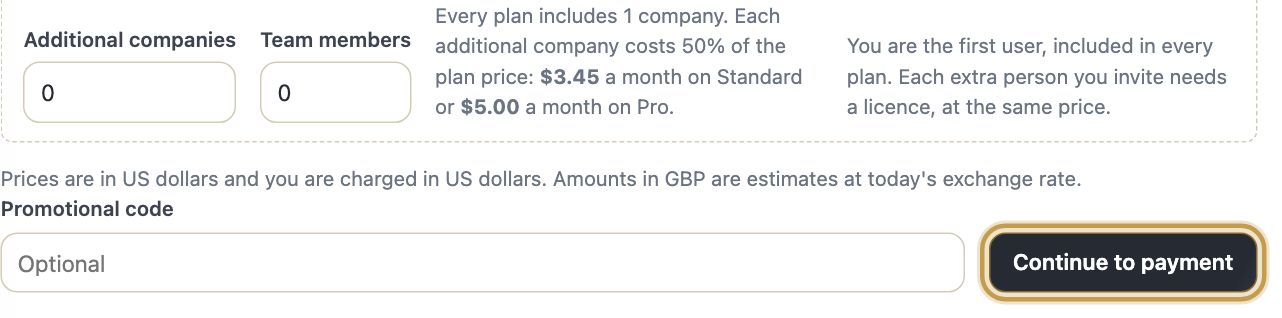
Add any extra companies and team members you need, and a promotional code if you have one. Choose Continue to payment to pay securely on Stripe’s or PayPal’s own page.
-
Stop renewing, if you need to
On My account, open My plan and untick Renew my plan automatically. Nothing more is charged, and you keep your plan until the end of the period you have paid for.