

Invoicing for freelancers and small businesses
Every invoice you send, provably genuine.
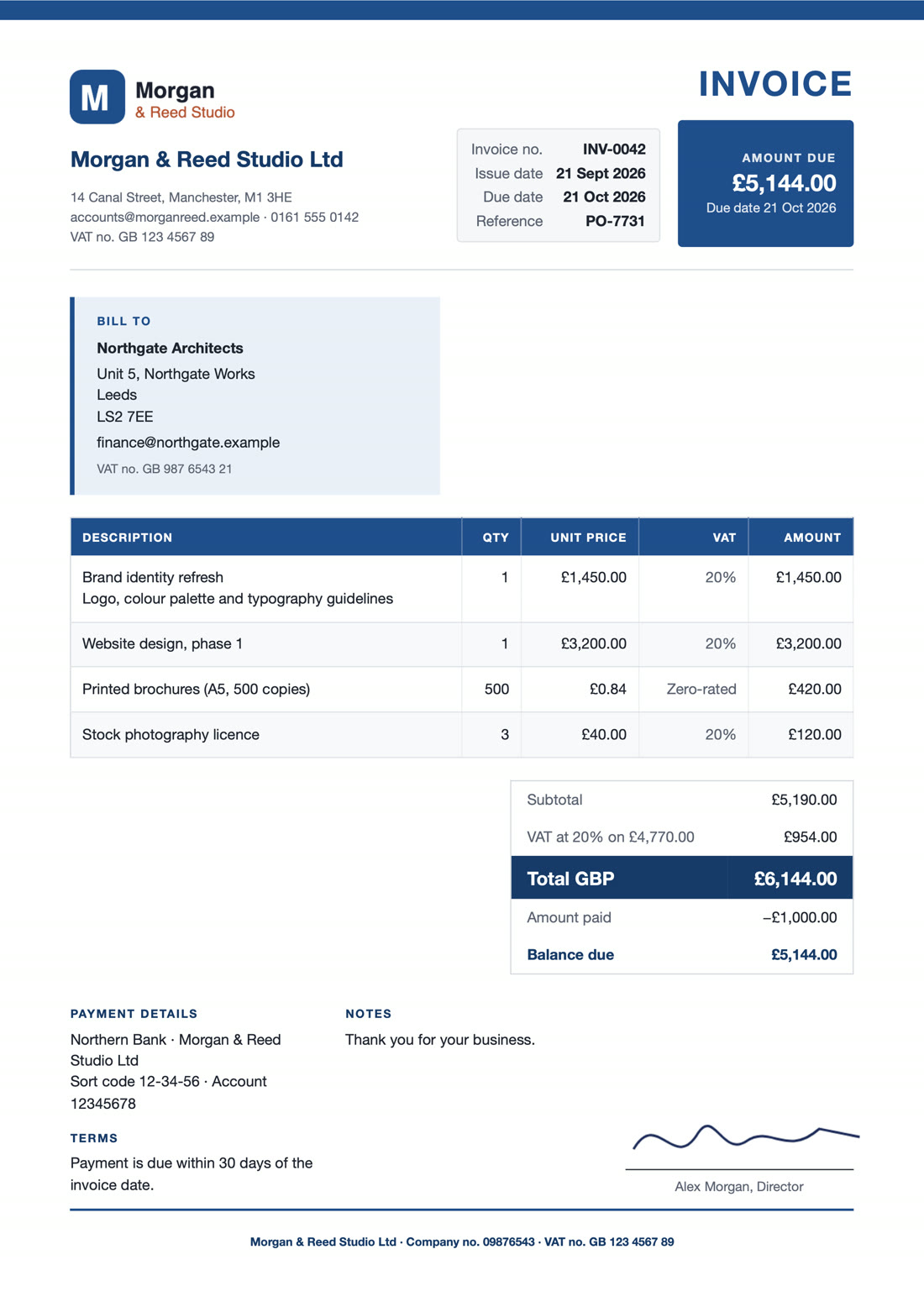
Create branded quotes, invoices, pro formas and credit notes with the right tax on every line. Each one carries a check code your customer can scan, so a forged copy with someone else's bank details is caught before any money moves.
- No card needed to start
- Cancel at any time
- Print-ready A4 PDFs
Why it matters
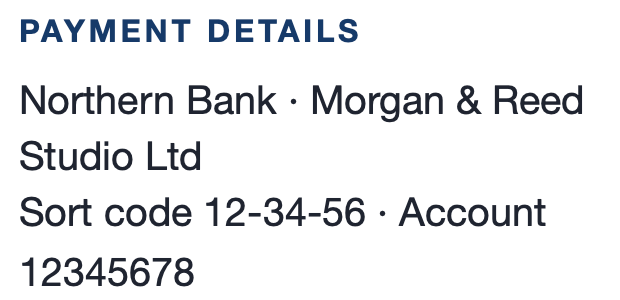
This is the part of your invoice that gets stolen.
Fraudsters rarely break into a bank. They get hold of a real invoice, change two lines, and send it on. Everything else looks exactly like you.
Same logo. Same total. Someone else's account.
Your customer pays the edited copy in good faith. You are not paid, they have lost the money, and it is rarely recovered.
With Genuine Invoice, the check code gives it away.
Your customer scans the code on the invoice and sees the bank details you actually issued. If they differ, they know not to pay.
How checking works
Every document gets its own check code.
When you issue an invoice, Genuine Invoice keeps a record of what it says and prints a QR code and a short code on the PDF.
Your customer scans it with their camera.
No app and no account. The code opens a page on Genuine Invoice itself, which a forger cannot change.
They see exactly what you issued.
The total, the date and the account to pay, from your record. If the check code or bank details on their copy differ, the document has been changed.
Layouts
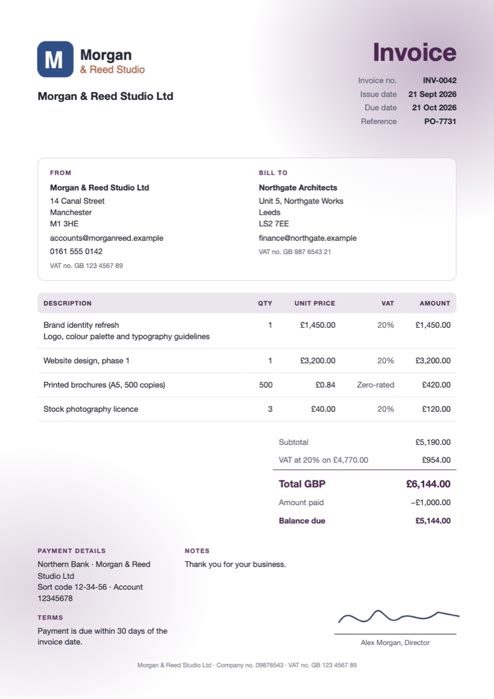
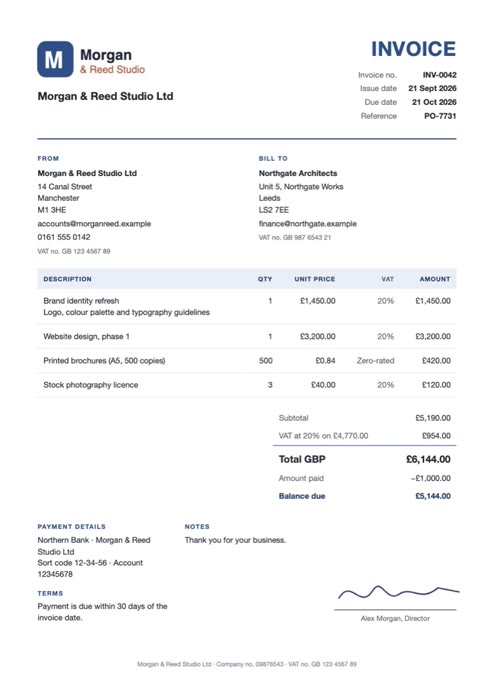
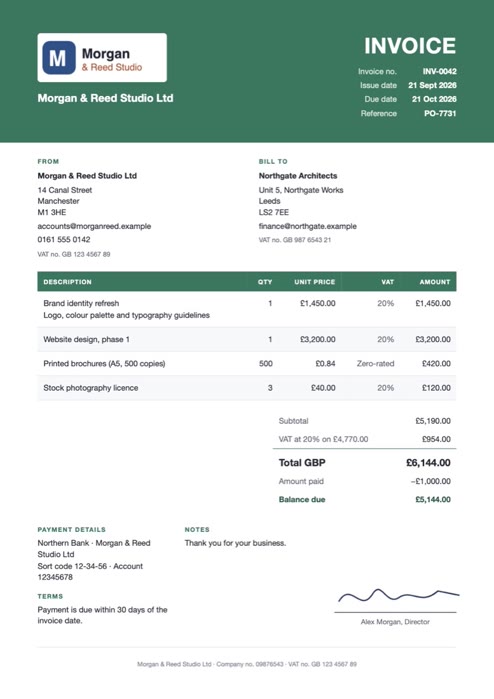
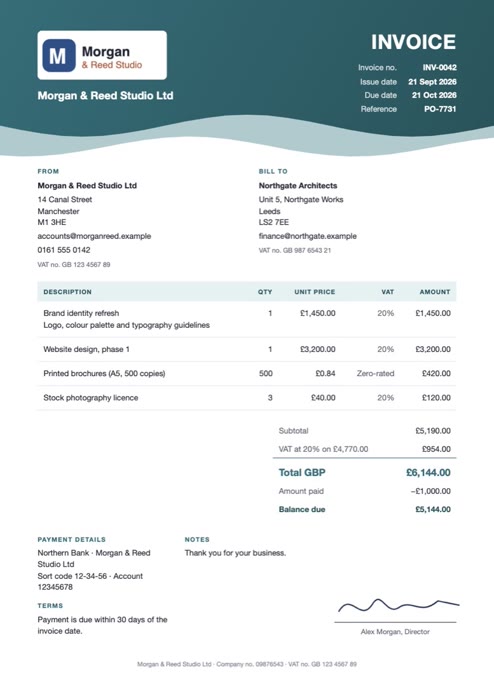
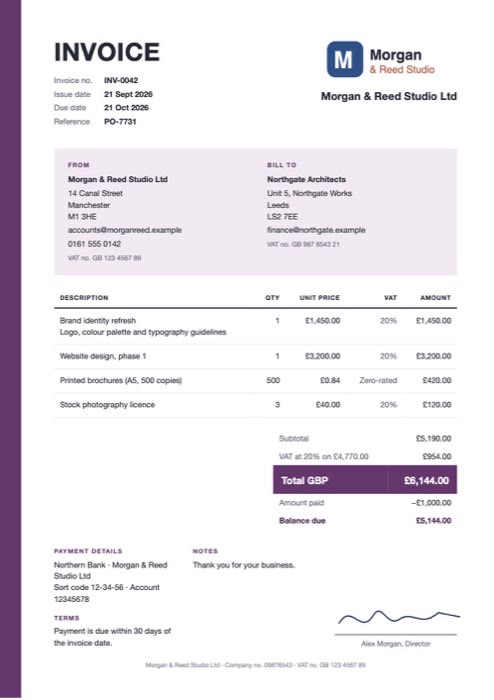
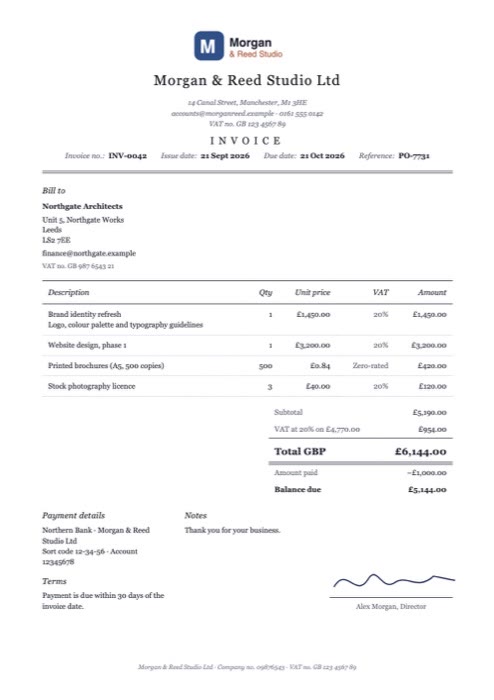
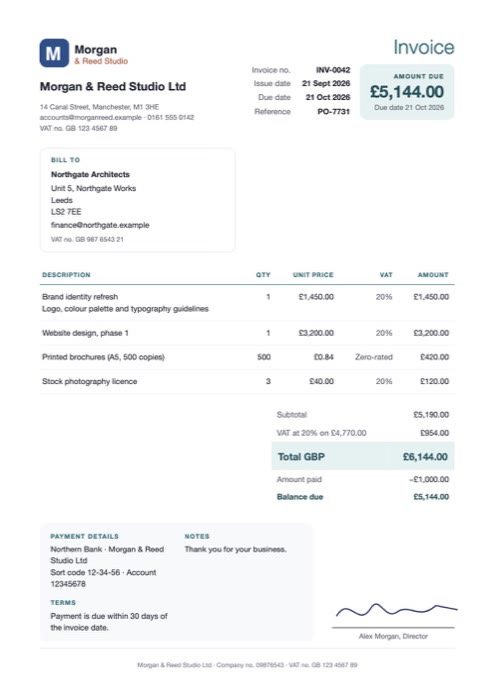
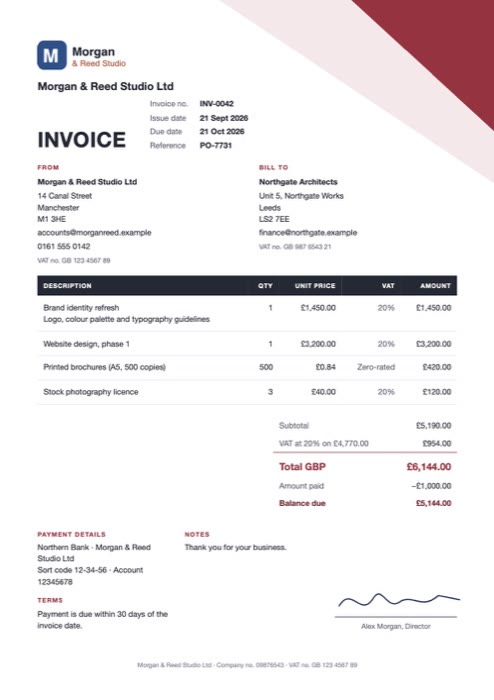
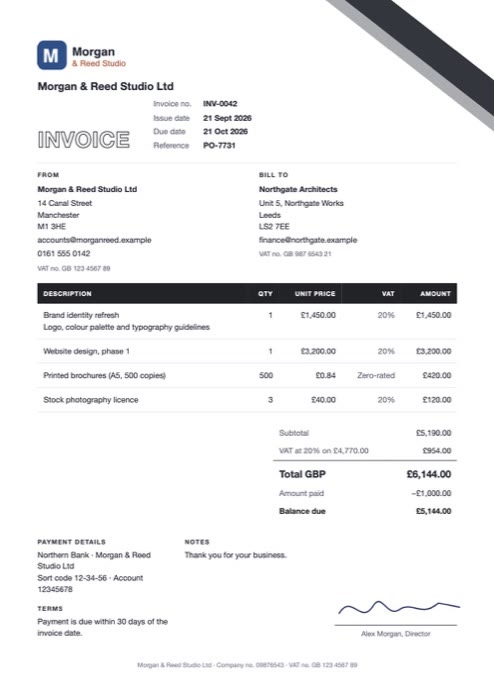
Twenty-four designs, or your own. Your logo, your colours, every time.
Pick one of the twenty-four, or make your own with the layout designer: choose the colour, font and size, show, hide or rename fields, and add fields of your own.
- 01
Branded documents
Twenty-four professional layouts in eight colour palettes. Add your logo and signature, and every document looks like it came from a much bigger company.
- 02
The right tax on every line
VAT, GST and sales tax for 20 countries, with zero-rated, exempt and reverse-charge lines handled for you, so the totals always add up.
- 03
Quotes become invoices
Turn an accepted quote into an invoice in one tap. Pro formas and credit notes keep the numbering straight, and any document can be cloned.
- 04
Customers and saved items
Start typing a name and the address and email fill themselves in. The things you bill most often are a tap away, with the right tax.
- 05
Several companies, one sign-in
Each business keeps its own logo, numbering, bank details and layout, and you switch between them in a second.
- 06
Get paid online
Add your own PayPal or Stripe payment link. It appears on every invoice, and the money goes straight to you.
- 07
Sent from your own address
Email documents from your own mailbox, or connect Gmail or Outlook in one click. Polite reminders chase late payers for you.
- 08
See who owes you
Outstanding and overdue at a glance, payments recorded as they arrive, and with Pro the profit on every project.
- 09
Secure by design
A security check at sign-in, automatic lockout after repeated failures, and a full log of every sign-in.

On your phone
Install it like an app. No app store needed.
Your phone installs Genuine Invoice from this page. Afterwards it opens from your home screen with its own icon, full screen, like any other app.
Android
Chrome, Samsung Internet, Edge and Firefox can all do it.
- Chrome or Edge: open the menu (⋮) and choose Install app or Add to Home screen.
- Samsung Internet: open the menu (☰, bottom right) and choose Add page to, then Home screen.
- Confirm. The icon appears with your other apps.
iPhone and iPad
Safari, and on iOS 16.4 or later Chrome and Edge too.
- Open this page in your browser.
- Tap Share, the square with the arrow.
- Choose Add to Home Screen, then Add.
The same account and documents either way, kept on the server rather than on the phone. Windows and Mac can install it too, from the icon at the end of the address bar.

Pricing
Simple pricing, in your currency
Every plan starts with a 90-day free trial that includes everything in Pro. Prices are in US dollars. Choose your country to see the amount in your own currency.
Standard
$6.90 / month
or $69.00 a year 2 months free
- Unlimited invoices, quotes, pro forma invoices and credit notes
- All 24 layouts, colour palettes and the layout designer
- Customers, saved items and A4 PDFs with check codes
Pro PRO
$9.99 / month
or $99.00 a year 2 months free
- Everything in Standard
- Projects: the profit and margin on every job
- Vendors, purchases and expenses, with photos of receipts
- 90-day free trial of Pro, no card needed
- Pay by card or PayPal
- One company included. Invoice for more businesses from $3.45 a month per extra company
Get started
Send your first genuine invoice today.
Create your workspace in under a minute. You will be its administrator, and you can create documents straight away.
- 90 days free, no card details needed
- Your documents and customers in one place
- Already have an account? Choose Sign in.
About us
Built for people who would rather be doing the work
Genuine Invoice started with a simple idea: sending an invoice should take minutes, not an afternoon. Too many freelancers and small businesses juggle spreadsheets, word-processor templates and sums worked out by hand, and it is easy to get the tax wrong or lose track of who has paid.
Then there is invoice fraud. A copied invoice with changed bank details looks exactly like the real thing, so we gave every document a check code that proves whether it is genuine.
Simple
Clear screens and plain English. No accounting jargon.
Accurate
Totals and tax you can rely on, every time.
Genuine
Every document can be checked against what you issued.
Contact us
We would love to hear from you
Questions about Genuine Invoice, a feature you would like to see, or help getting started? Send us a message and we will get back to you.
- Support hoursMonday to Friday, 9am to 5pm (UK time)
- Head officeDubai, United Arab Emirates
- Other officesLondon, United Kingdom