Invoice from more than one company
Run several businesses from one account, each with its own details and numbering.
-
Add another company
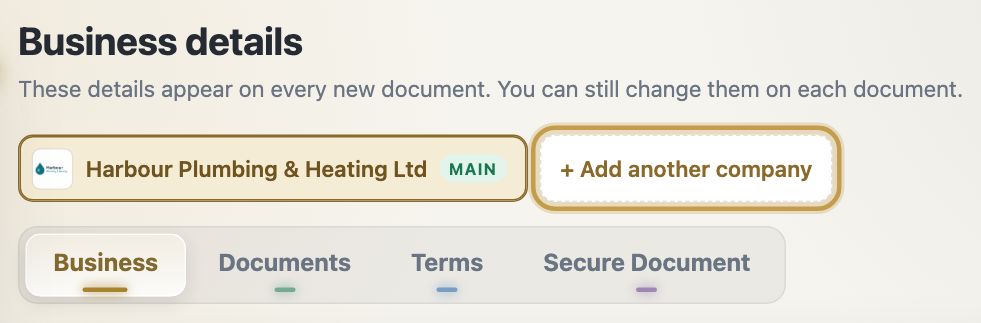
In Business details, choose + Add another company.
-
Fill in its details
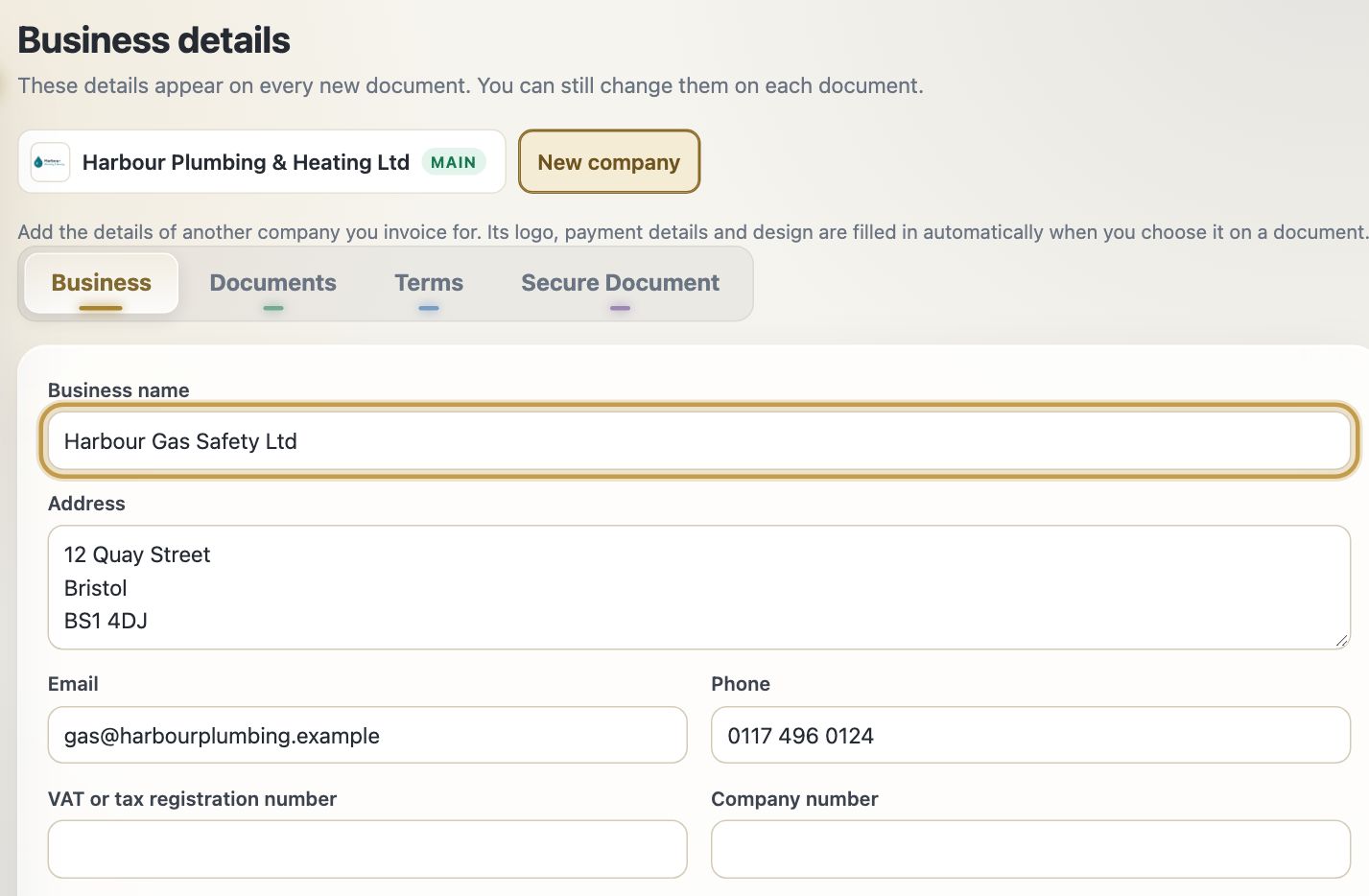
Fill in the new company’s name, address, logo and how it is paid, just as you did for your first, then save. Each company keeps its own design, numbering, taxes and email settings.
-
Choose the company on a document
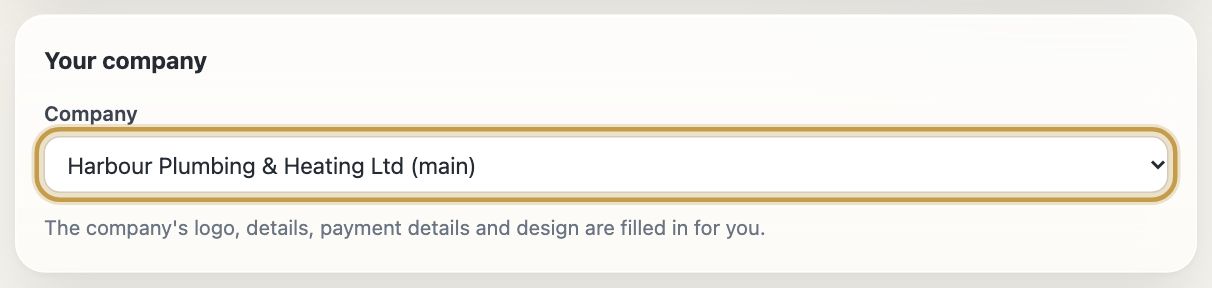
With more than one company, every new document asks which it is for under Your company, and fills in that company’s details.