Invite the people you work with
Give each person their own sign-in, and choose what they can do.
-
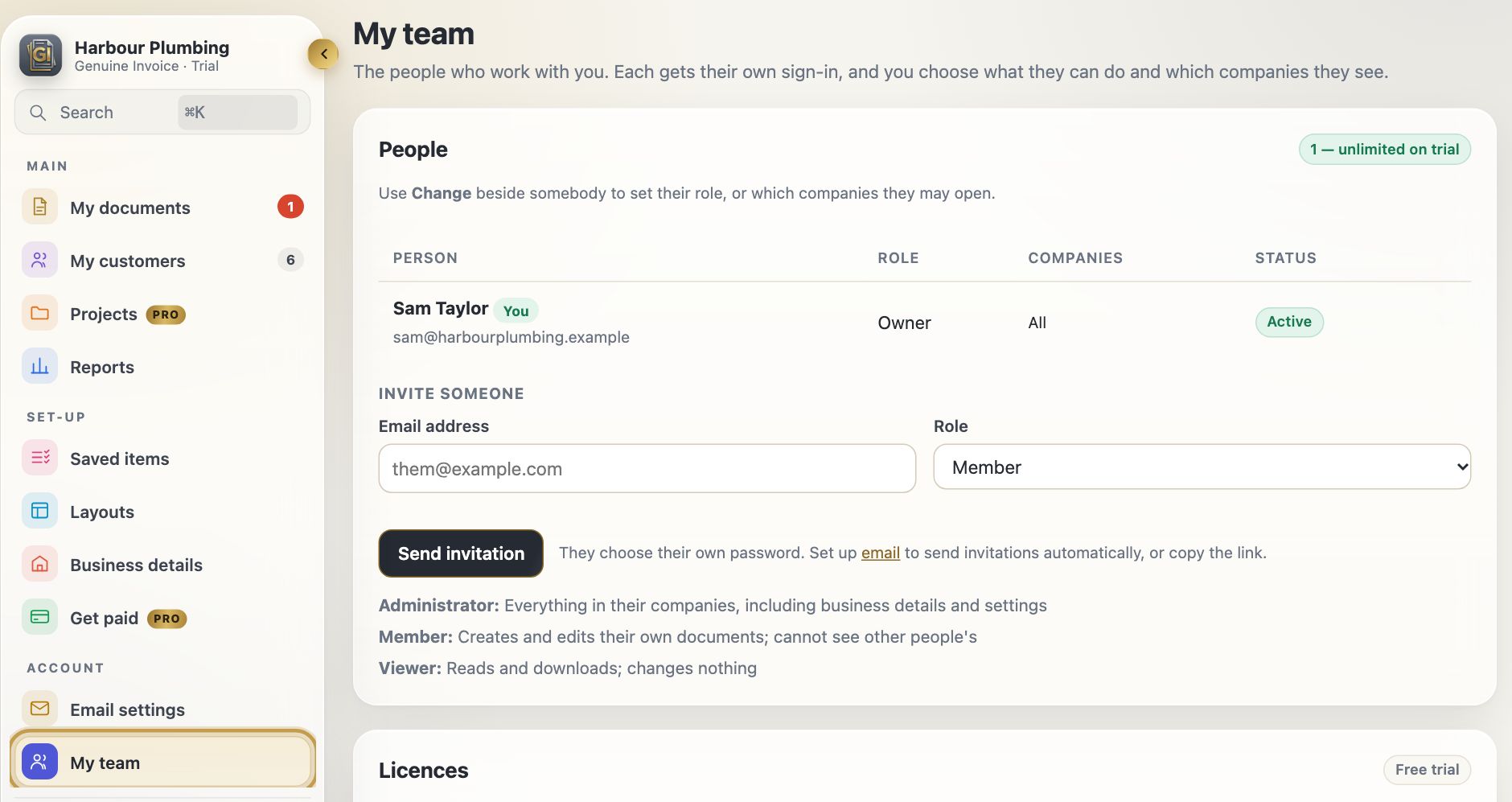
Open My team
Choose My team in the menu.
-
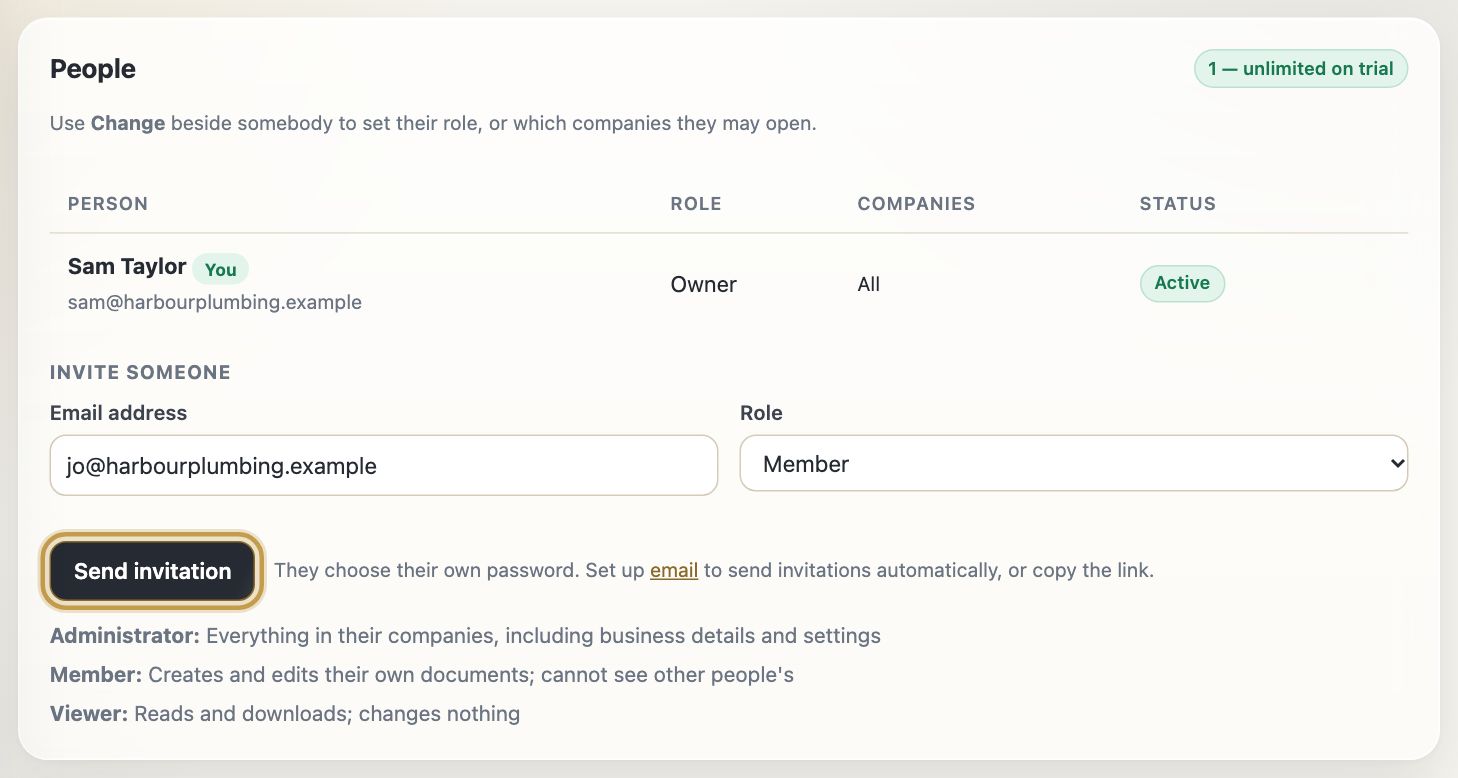
Send an invitation
Under Invite someone, type their email address and choose a role: an Administrator can change everything, a Member works on documents, and a Viewer can only look. Choose Send invitation; they get an email to set up their own sign-in.
-
Change what someone can do
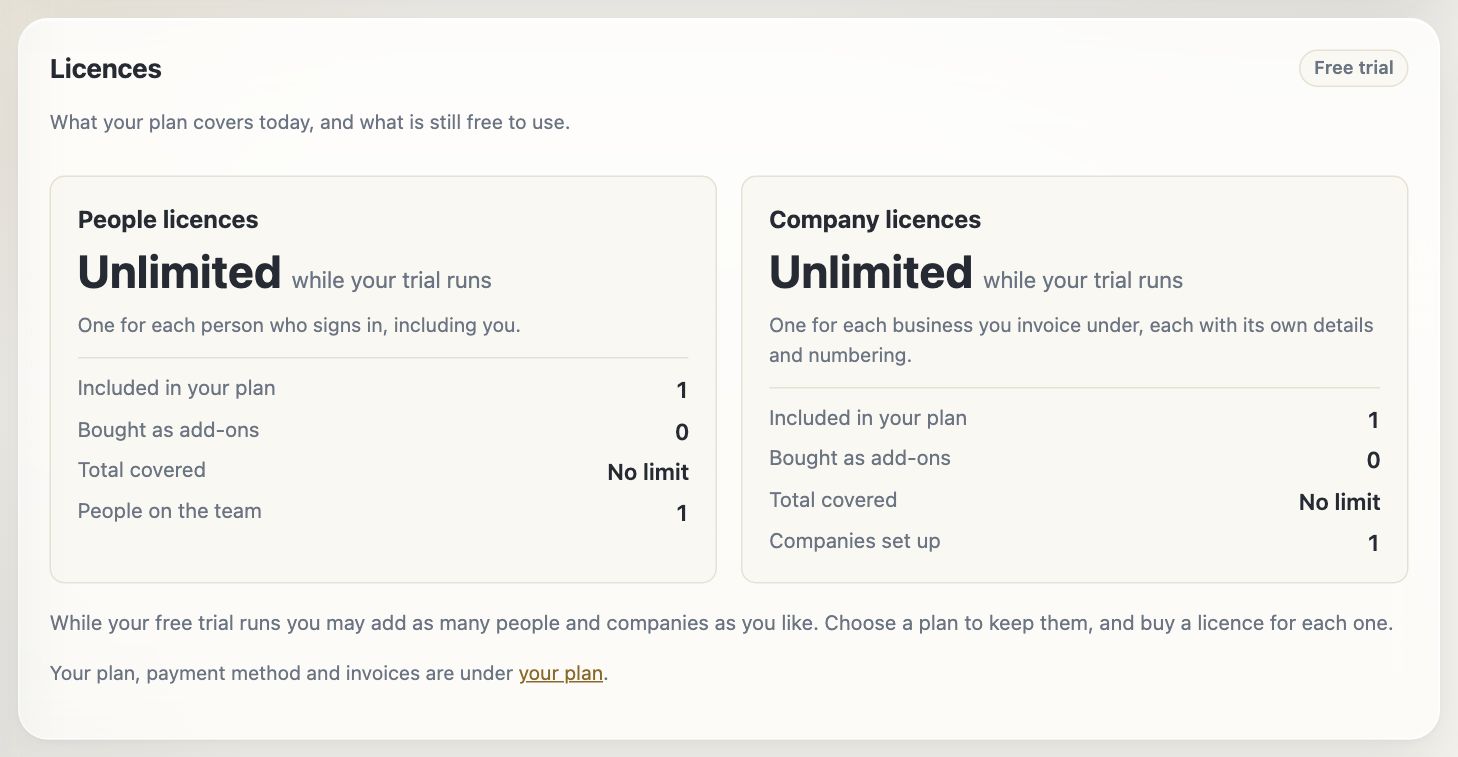
Choose Change beside a person to change their role, or which of your companies they can open. Licences shows what your plan covers.