Change how your documents look
Pick from 24 designs and 8 colours, or build your own layout.
-
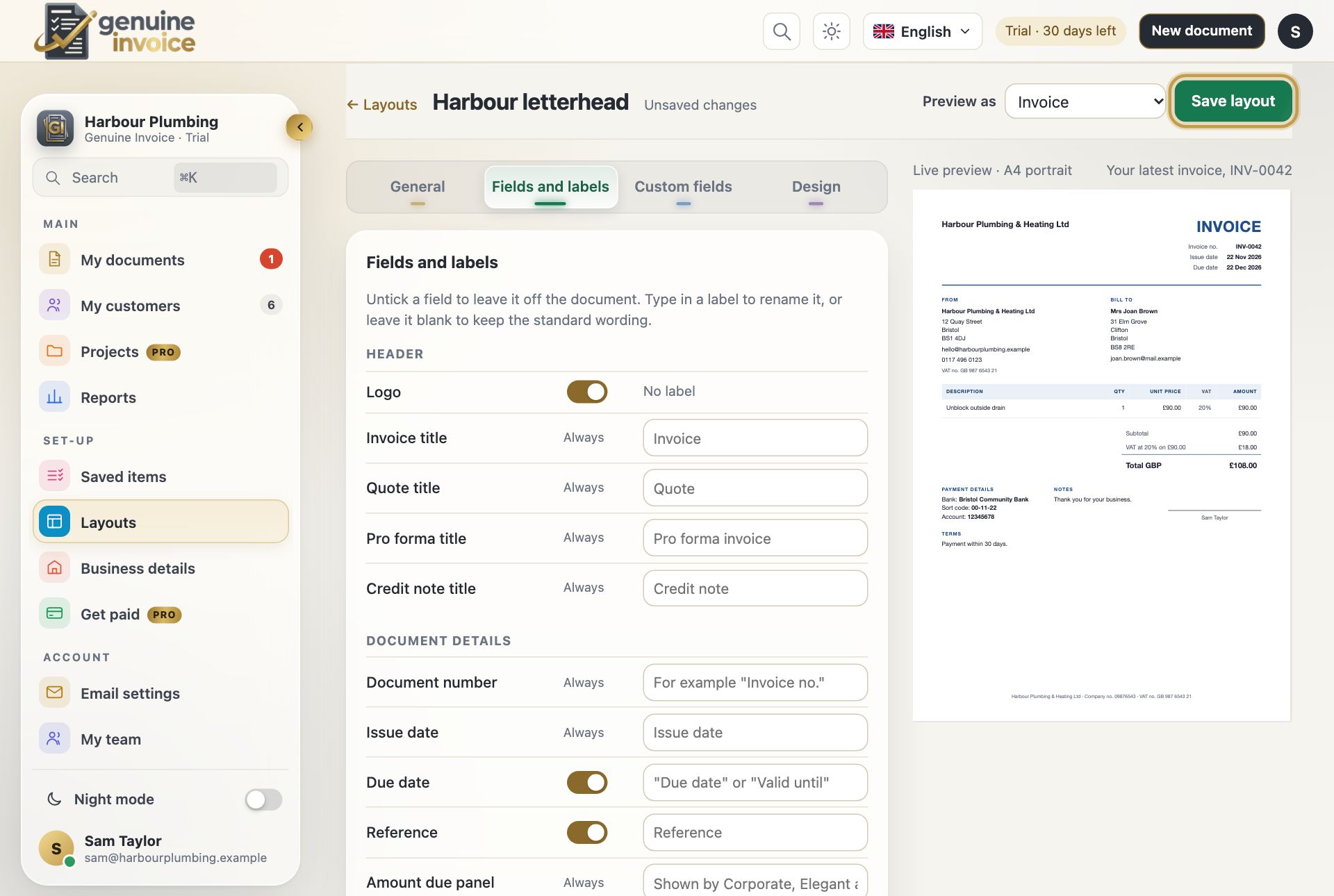
Open Layouts
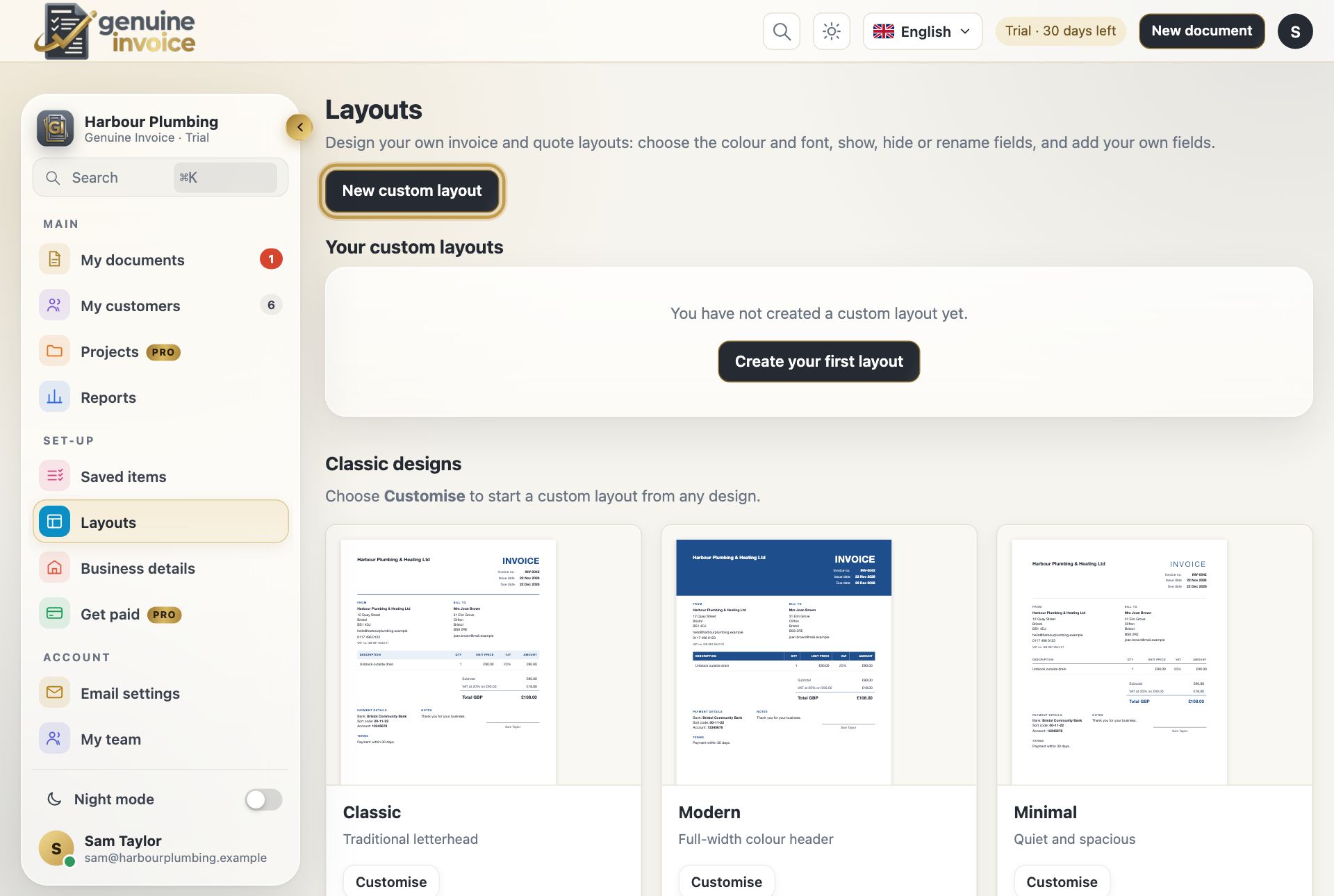
Choose Layouts in the menu to see the designs. Choose Customise on one you like, or New custom layout.
-
Name it, and choose its look
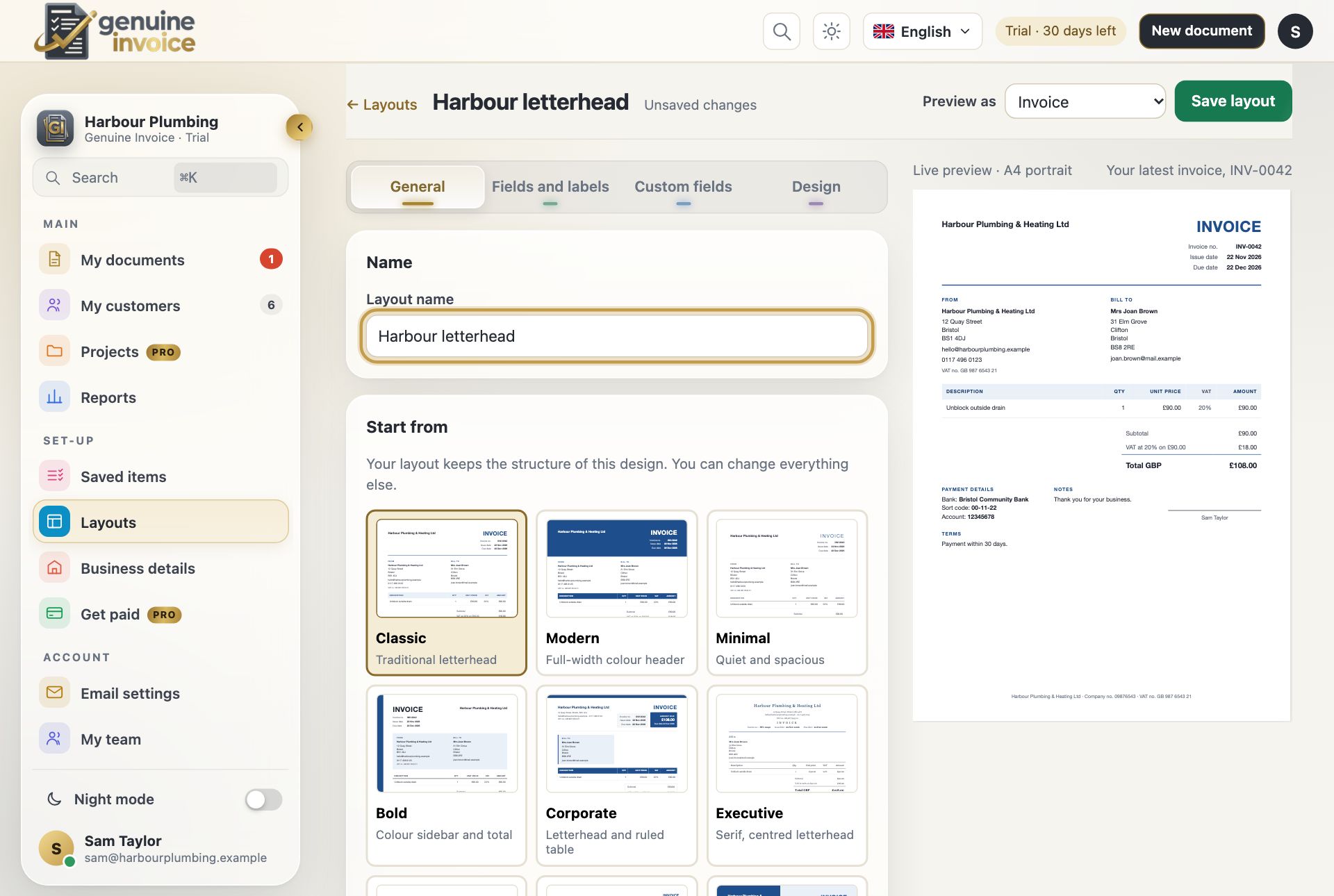
On General, give your layout a name, choose the design it starts from, and set its colour, font and text size. The preview on the right shows your latest invoice in it.
-
Make it yours
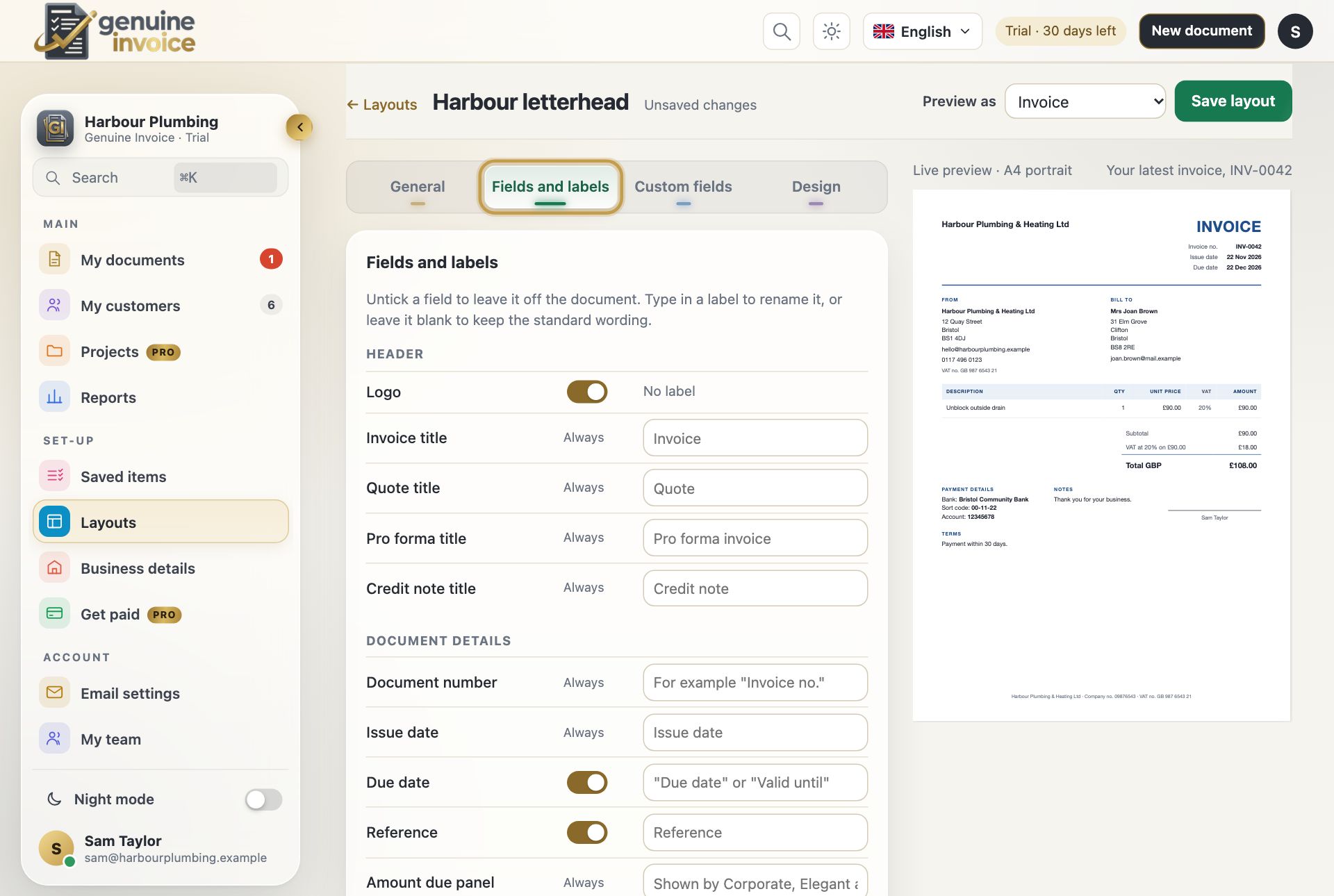
Fields and labels shows, hides or renames each part of the document. Custom fields adds your own. Design adds a background, such as your printed letterhead.
-
Save it
Choose Save layout. To use it on every new document, choose it under Default design for new documents on the Documents tab of Business details. On a single document, tick Show all fields and pick it under Appearance.