

Reports and exports
See everything you have issued over any period, and export it to PDF or Excel.
-
Open Reports
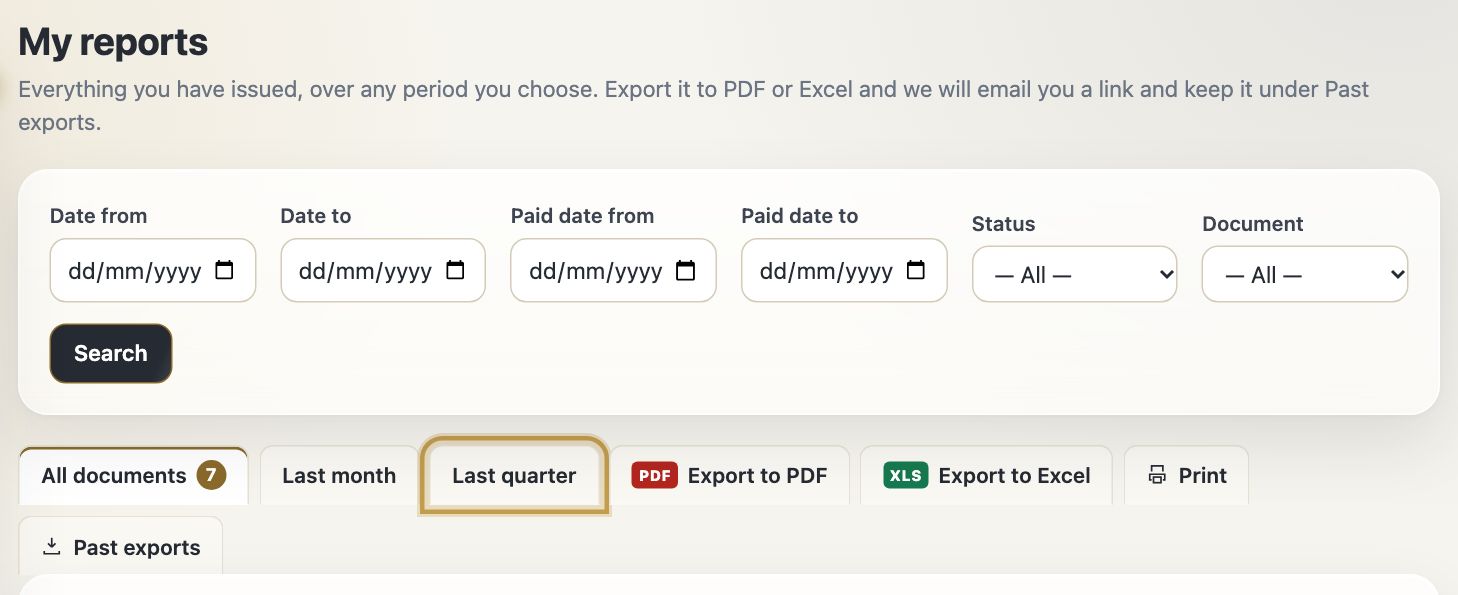
Choose Reports in the menu. Pick the dates, the paid dates, the status and the kind of document, then Search. Last month and Last quarter fill the dates in for you.
-
Read the results
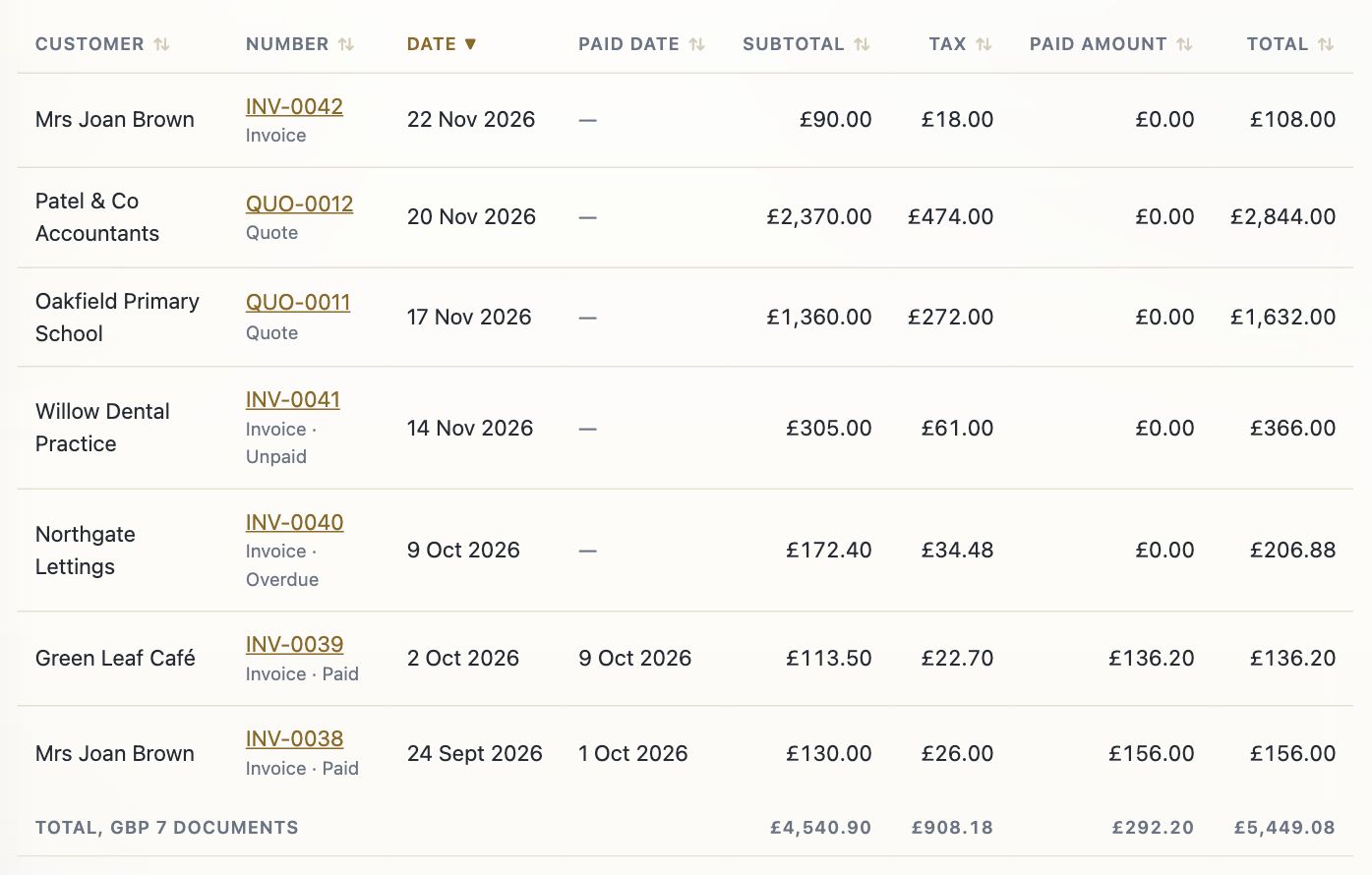
Each document is listed with its subtotal, tax, what has been paid and the total. Choose a column heading to sort by it.
-
Export it
Choose Export to PDF or Export to Excel. We email you a link, and keep the file under Past exports. Print prints the report as it is.
