

Find, delete and restore documents
Search your documents, tidy them up, and get back anything deleted by mistake.
-
Find a document
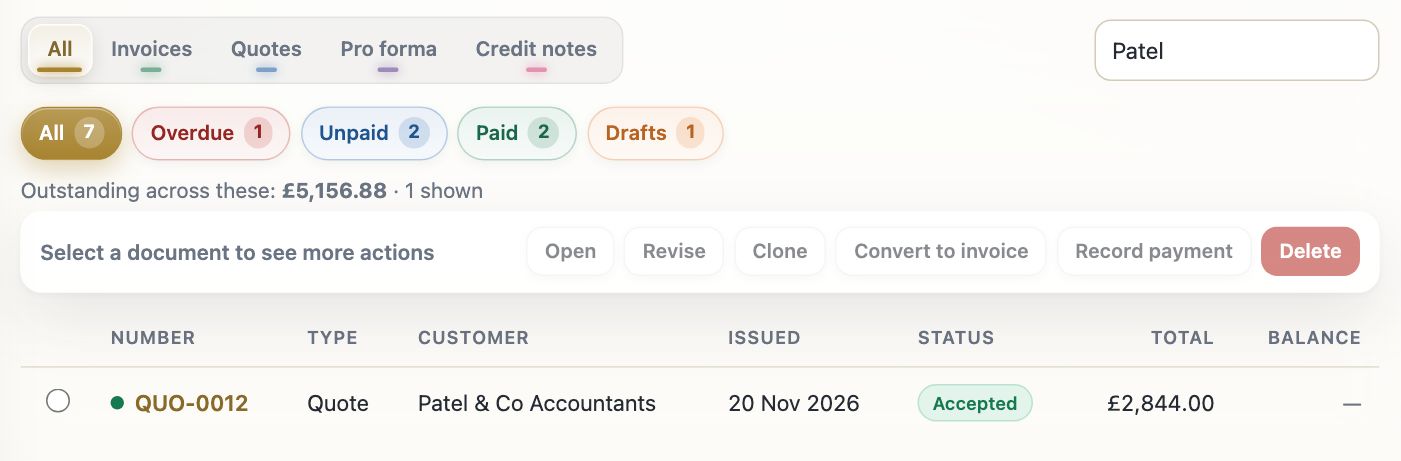
In My documents, type a number, a customer or a reference in the search box. The tabs above the list show only invoices, quotes, pro forma invoices or credit notes, and the buttons below them show what is unpaid, paid or still a draft.
-
Delete one
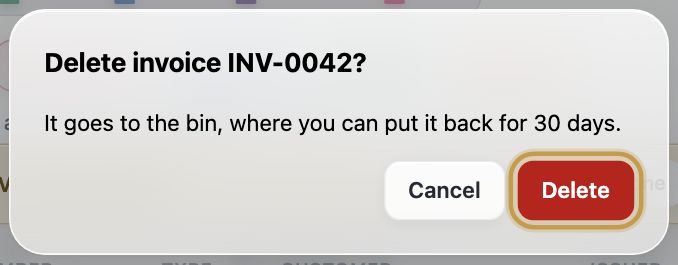
Tick the circle at the start of its row and choose Delete, then Delete again to confirm.
-
Put it back
Deleted documents wait in the Bin for 30 days. Choose Bin, then Put back beside the one you want.
