Add and manage customers
Keep your customers’ details in one place, so invoices fill themselves in.
-
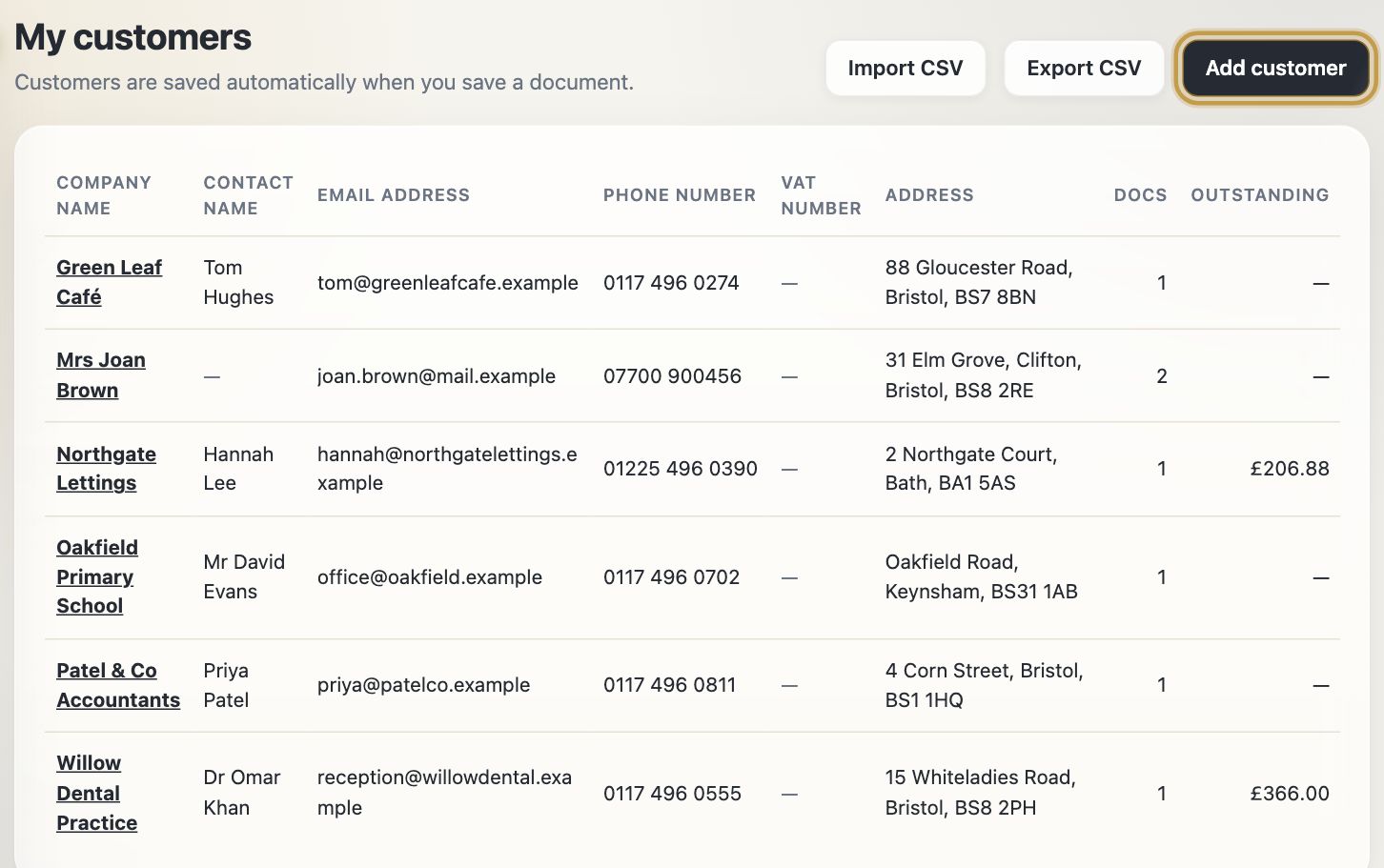
Open My customers
Choose My customers in the menu, then Add customer. On a phone, you can also tap + and choose Customer.
-
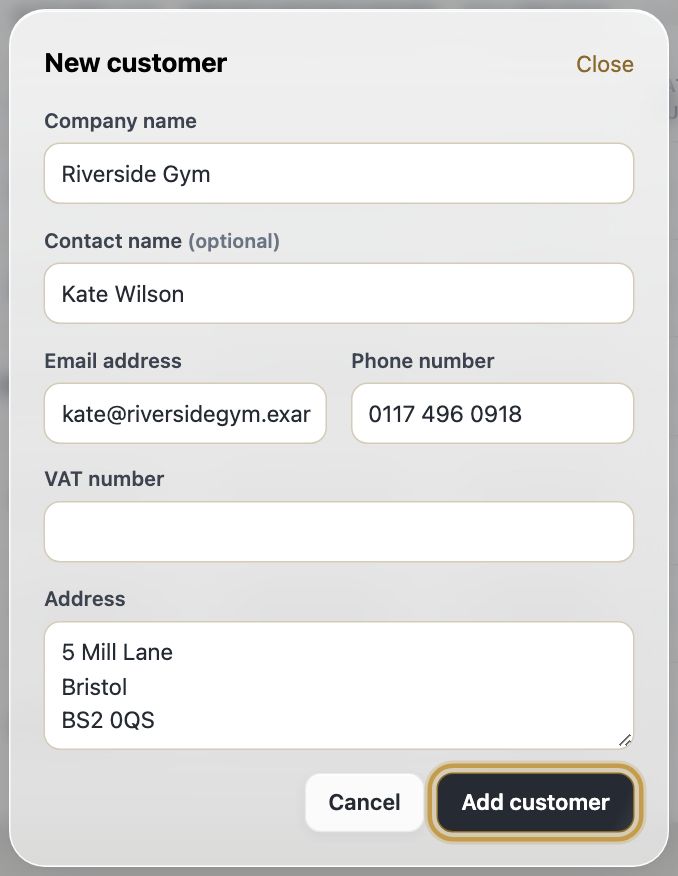
Fill in their details
Type the company name, email address and phone number (these three are needed), and a contact name, VAT number and address if you have them. Choose Add customer.
-
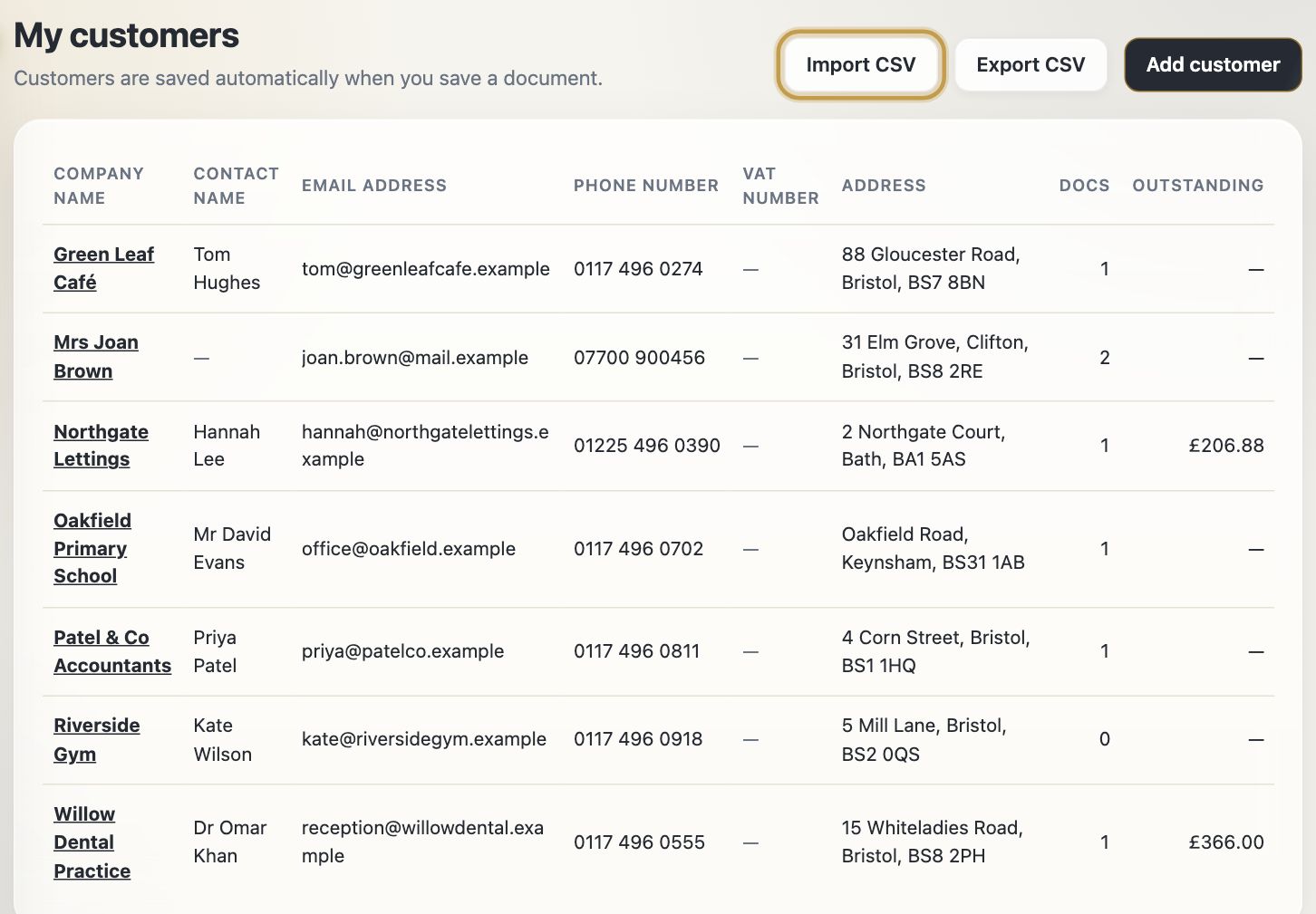
Bring in a whole list at once
Have your customers in a spreadsheet? Choose Import CSV. You match your own column headings to ours, so files from Excel, Xero or QuickBooks work as they are. The list shows how many documents each customer has and what they owe.