Pro forma invoices and credit notes
Ask for payment before the work, or give money back after it.
-
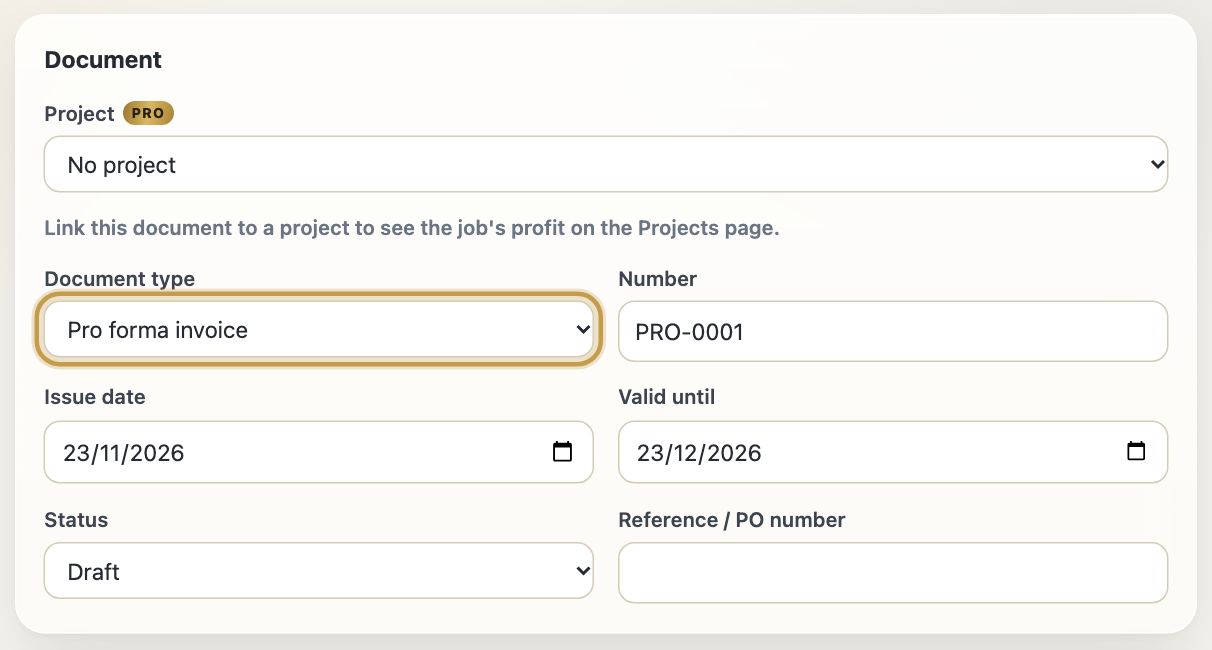
A pro forma invoice
Choose New document and set Document type to Pro forma invoice. Use it to ask for a deposit or payment before you start; it is not a tax invoice, and it does not count in your sales. When the work is done, send a normal invoice.
-
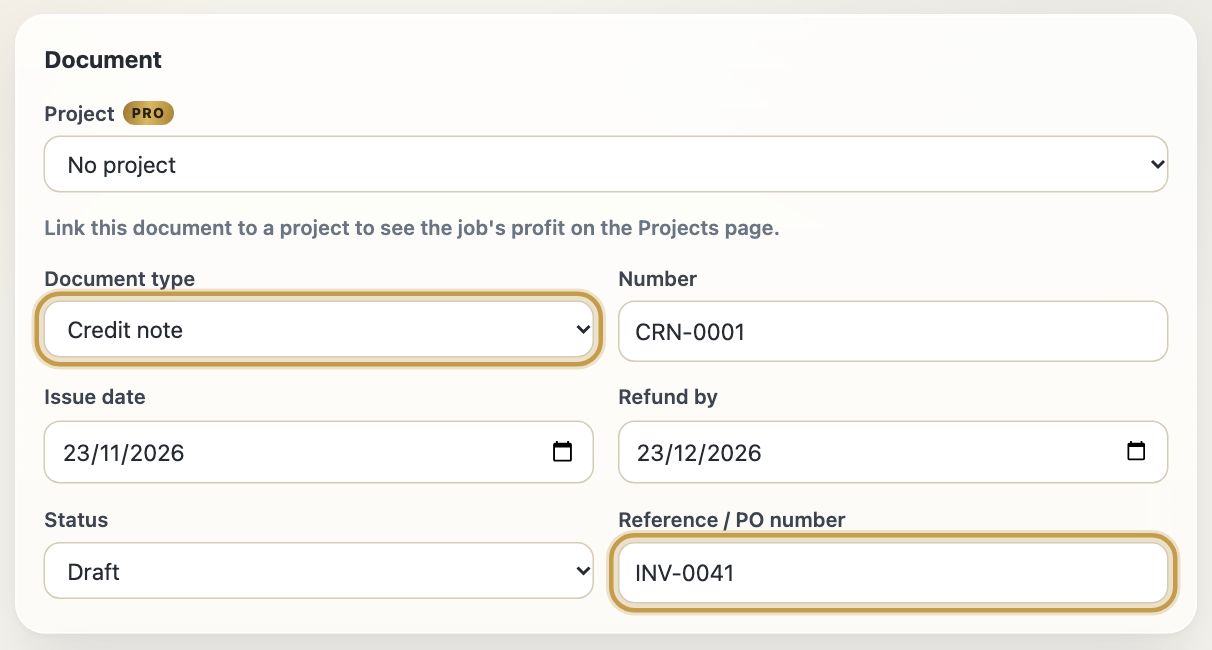
A credit note
Set Document type to Credit note to give money back or reduce what a customer owes. Add the items you are crediting, and put the original invoice number in Reference / PO number so everyone knows what it relates to.
-
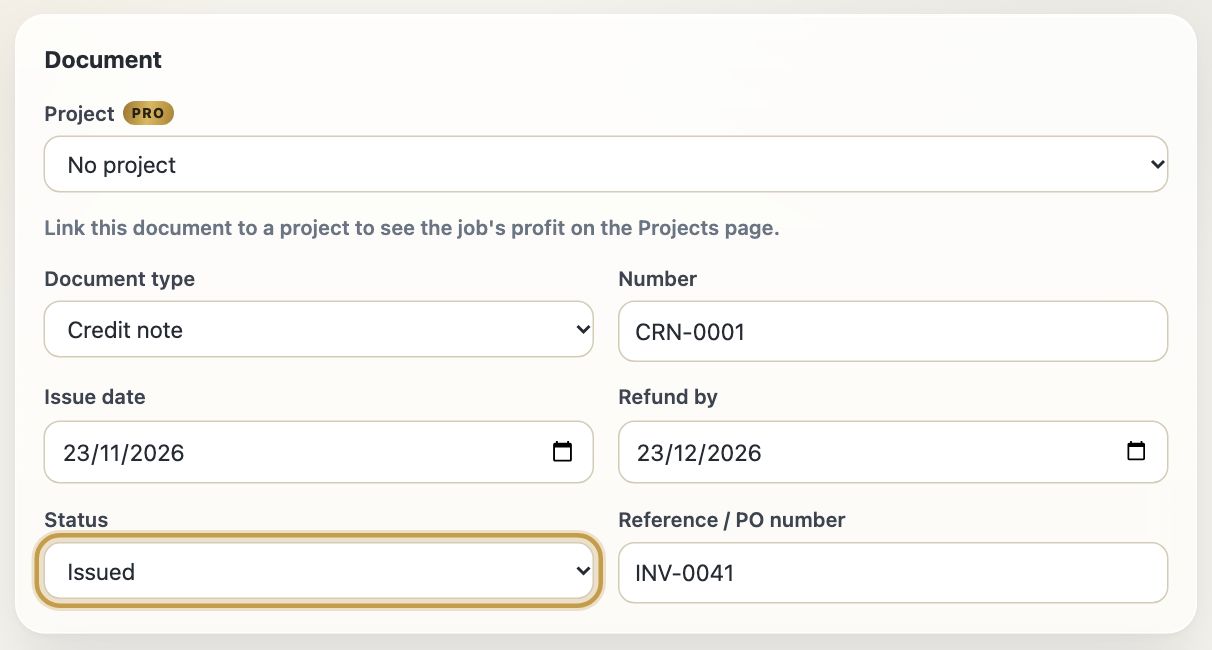
Keep its status up to date
A credit note starts as a Draft. Set Status to Issued when you send it, and to Refunded once the money has gone back. Issued and refunded credit notes come off your sales figures. Save, then send it as you would an invoice.