Speak an item instead of typing it
Say what you did and what it costs; the line fills itself in.
-
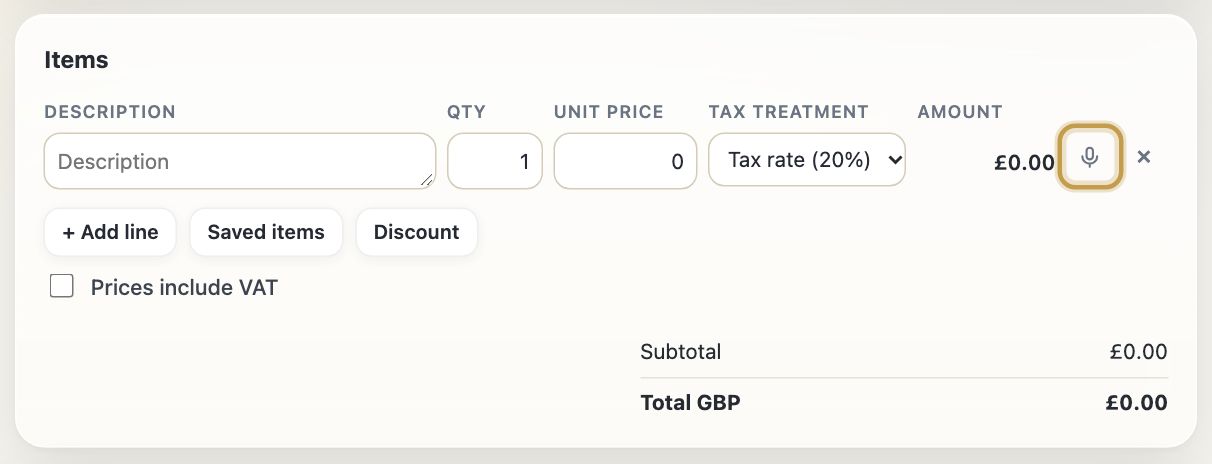
Tap the microphone
Each item line has a microphone beside the ×. Tap it. The first time, your browser asks to use the microphone: allow it.
-
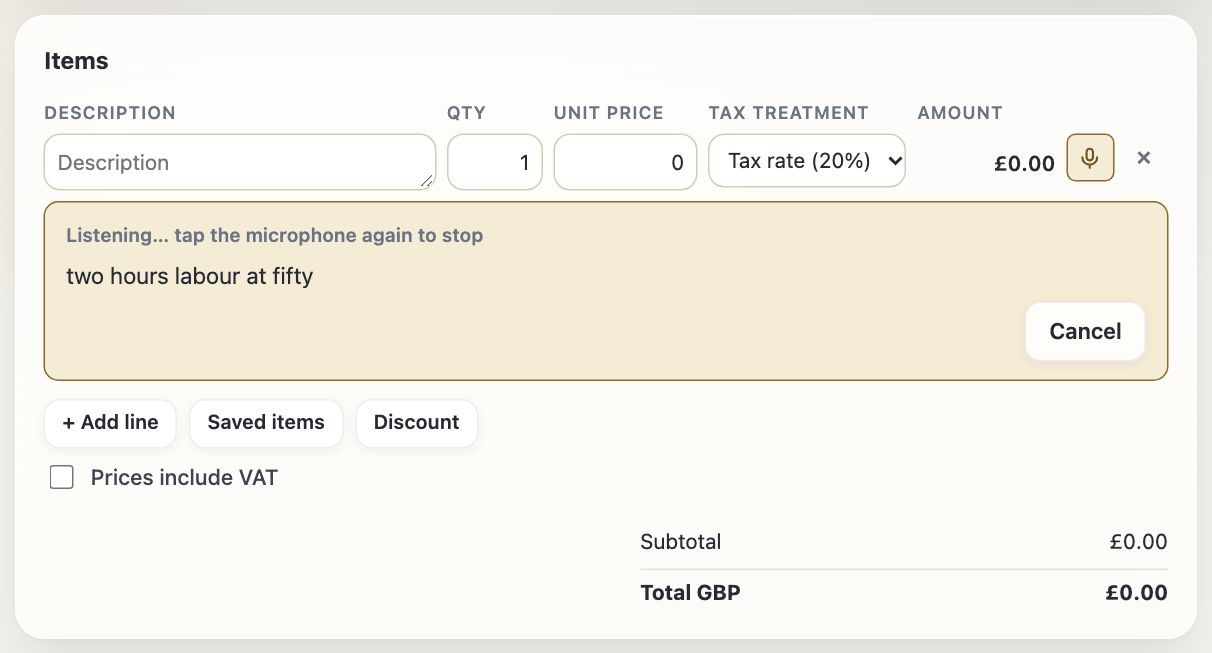
Say the item
Say it the way you would tell a customer, for example “two hours labour at fifty-five pounds” or “three radiator valves at twelve fifty each”. Tap the microphone again when you have finished, or just pause.
-
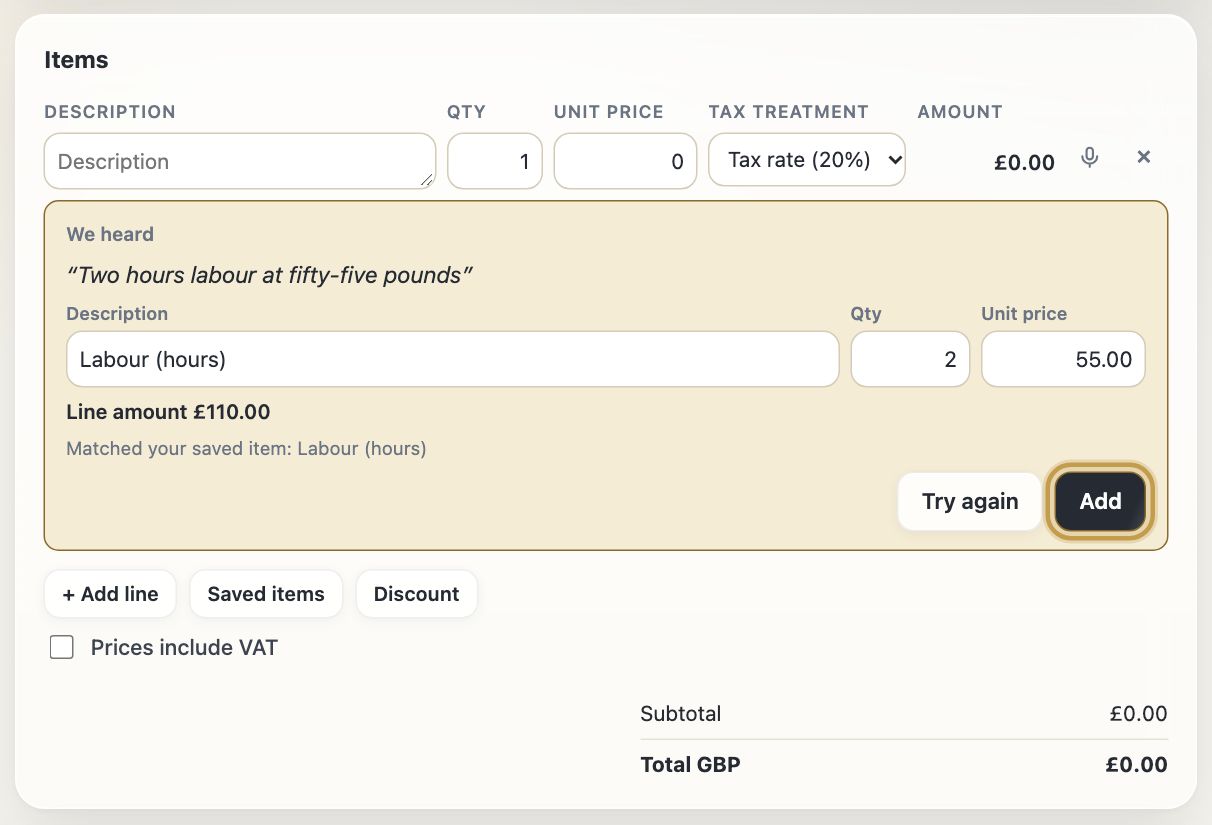
Check what was heard
The description, quantity and price are filled in for you, with the line amount. If it matches one of your saved items, it uses that item’s wording. Correct anything, then choose Add, or Try again.
-
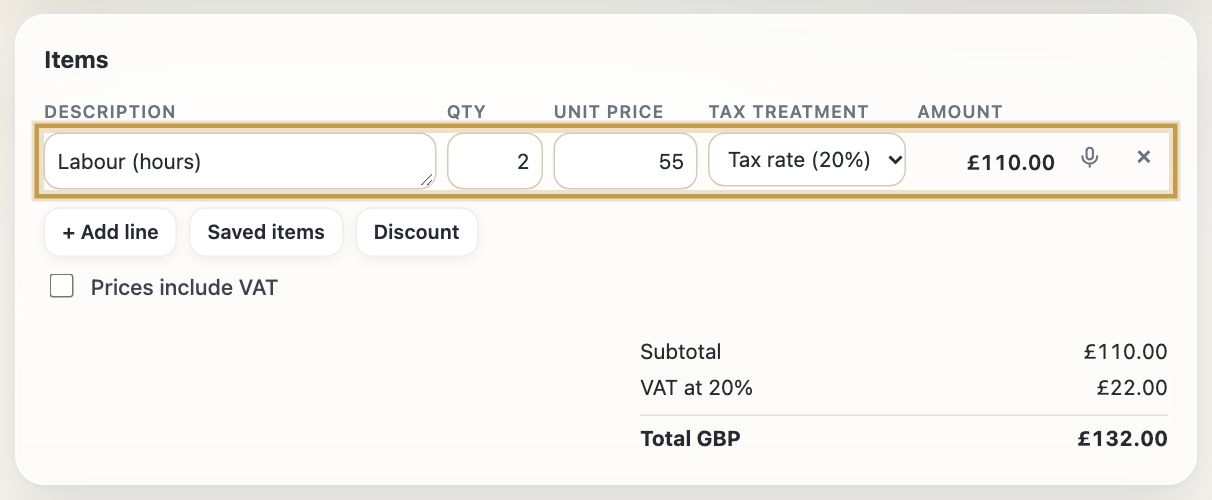
It is on your document
The line is added and the totals update. Nothing is added until you choose Add.