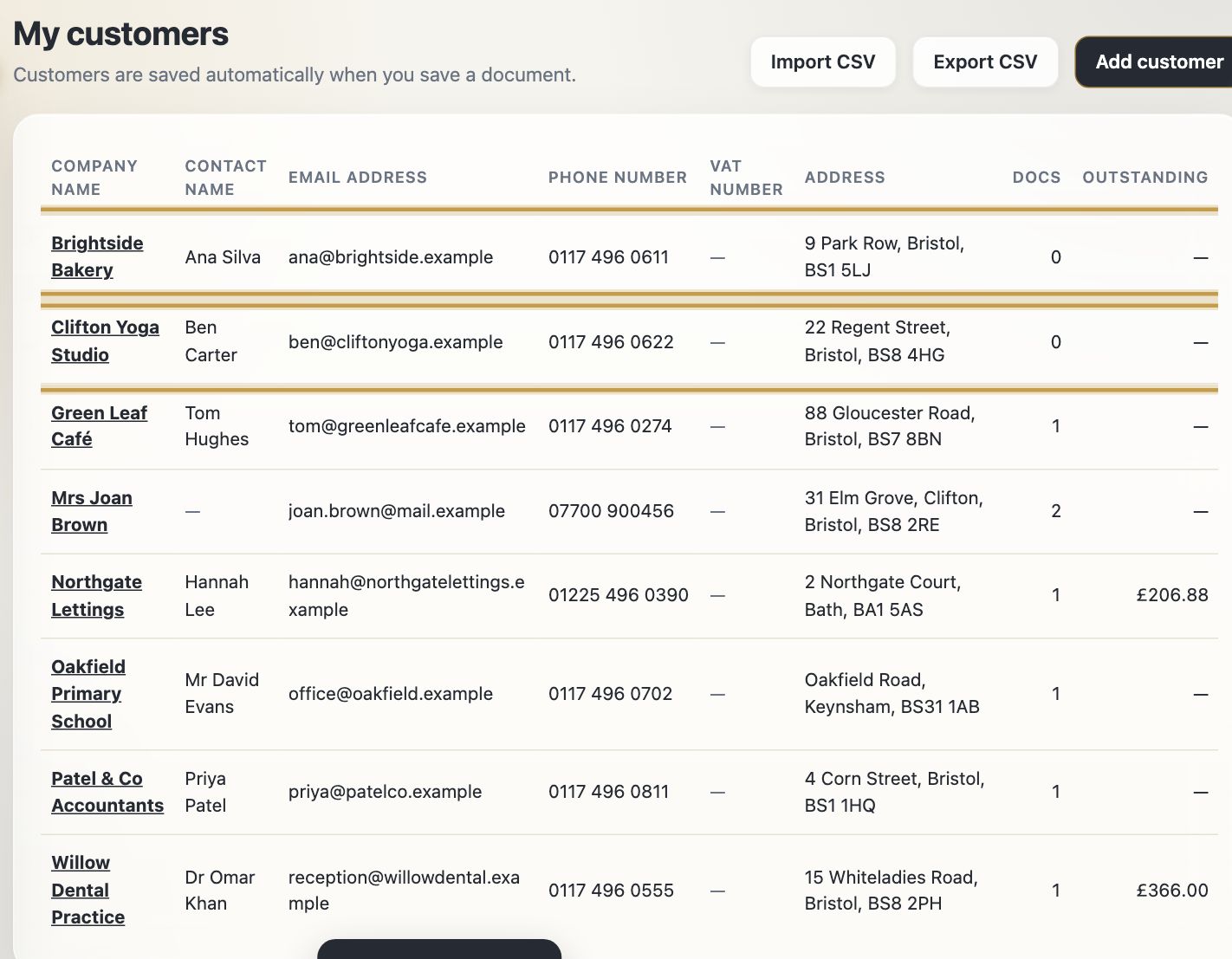
Import customers from a spreadsheet
Bring your whole customer list in at once, from Excel or another program.
-
Save your list as CSV
In Excel, Numbers or Google Sheets, save or download your customer list as a CSV file. Most invoicing programs, such as Xero or QuickBooks, can export one too.
-
Choose the file
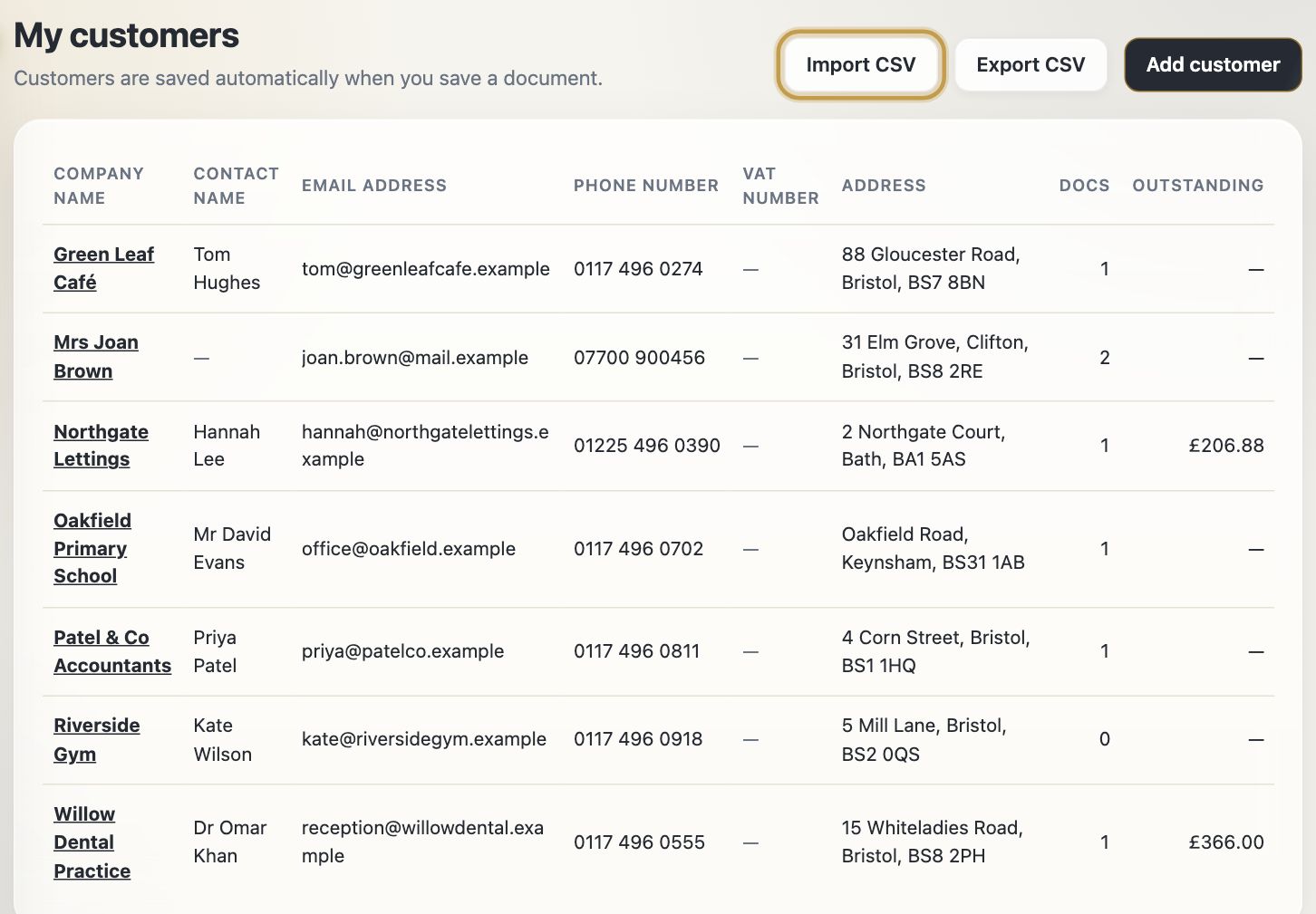
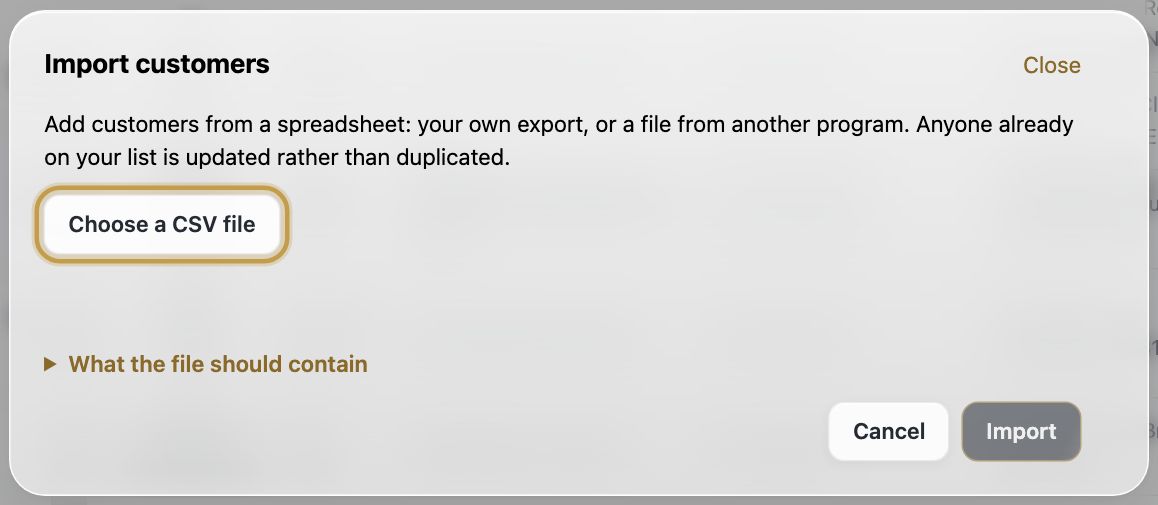
In My customers, choose Import CSV, then Choose a CSV file.
-
Match your columns
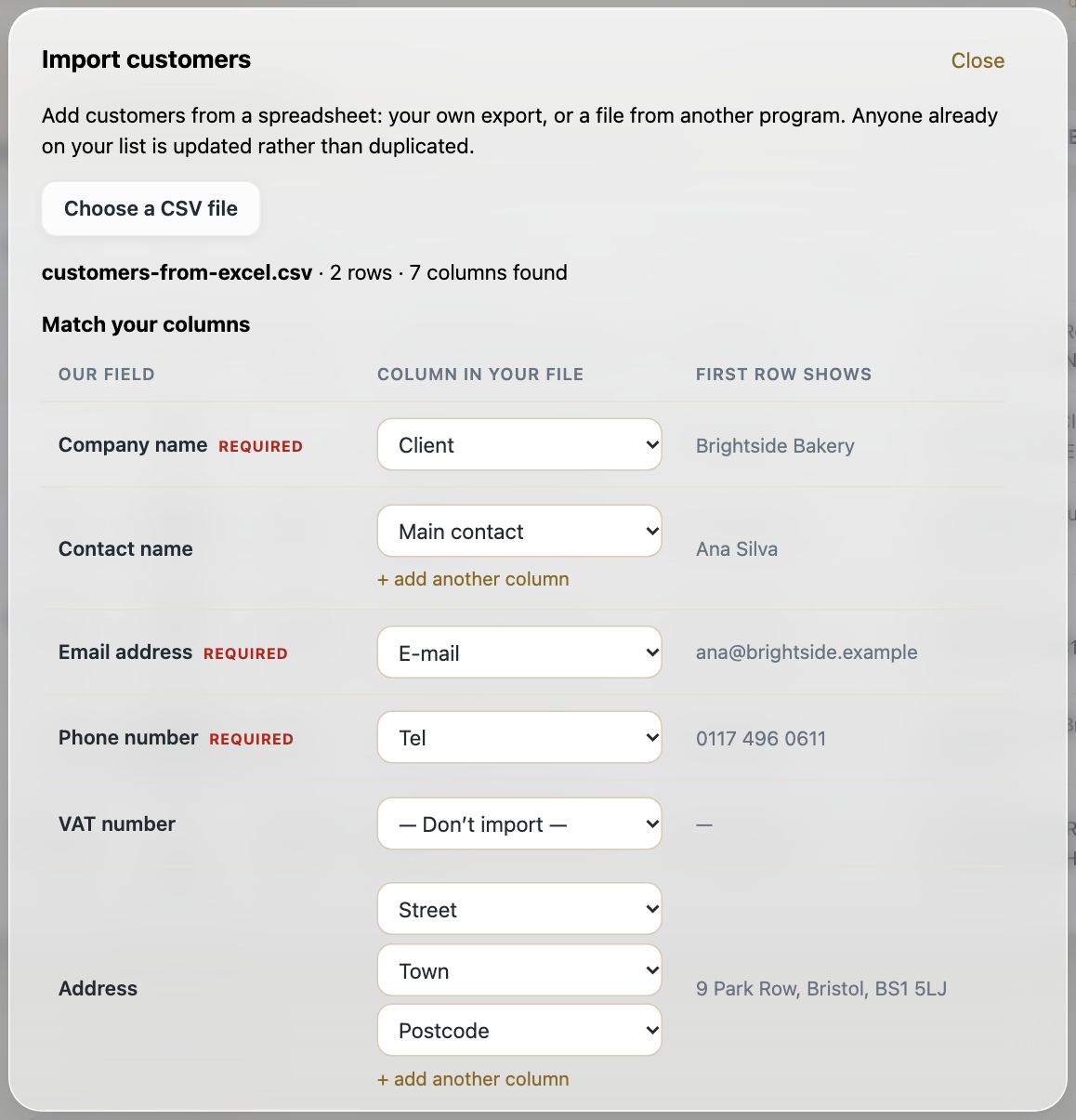
Your columns are matched to ours where the headings are clear, and the first row is shown so you can check. Pick any that were missed. An address can be built from several columns. Company name, email address and phone number are needed.
-
Import
Choose Import (the button says how many, for example Import 2 customers). Anyone already on your list is updated rather than added twice.