Set the tax on each line
Standard, reduced, zero-rated or exempt: choose it per line, and add your own rates.
-
Choose the tax for a line
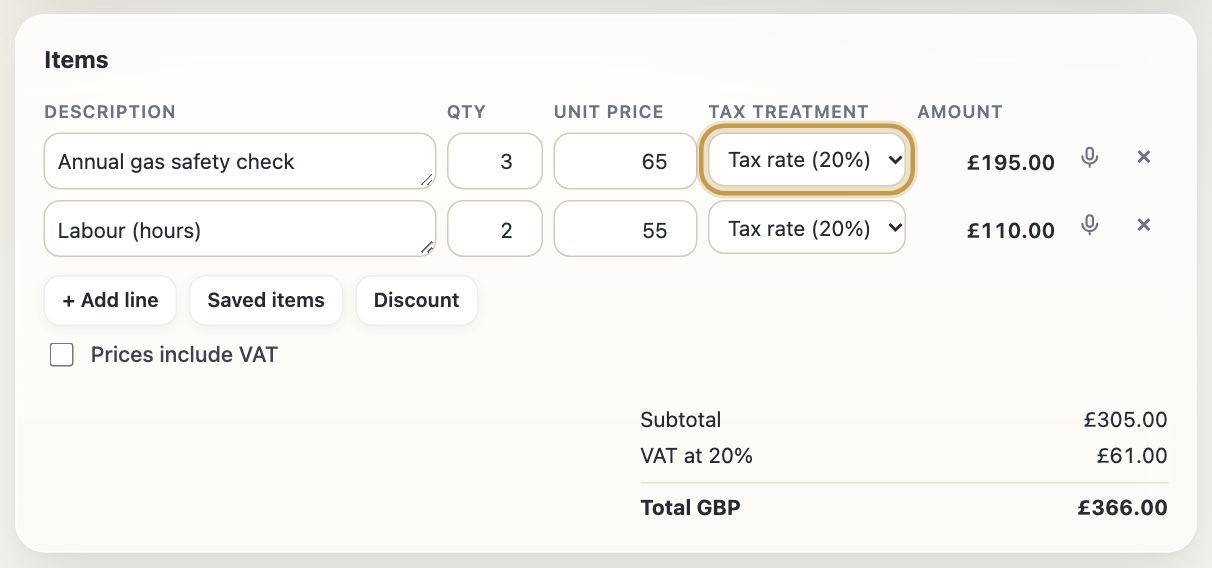
Each item line has its own tax choice. It starts at your usual rate; change it for a line that is reduced, zero-rated, exempt, under the reverse charge or outside the scope of the tax.
-
Add a rate you need
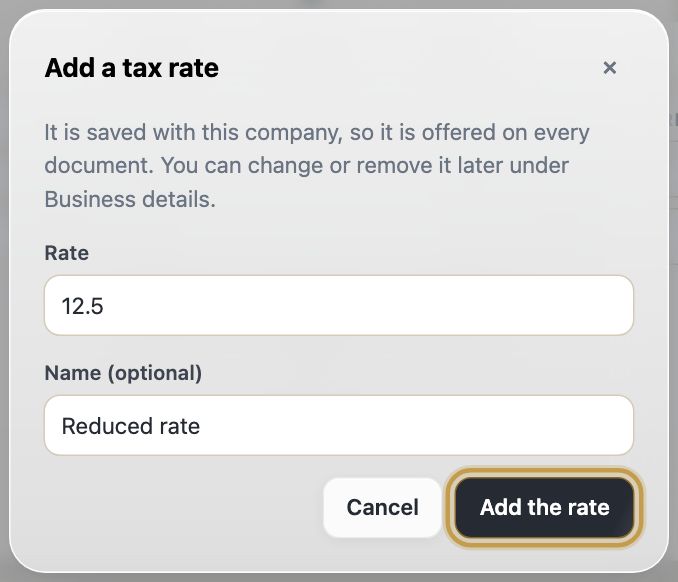
Choose + Add a new tax rate… at the bottom of that list, type the rate and, if you like, a name for it, then Add the rate. It is kept for next time.
-
Prices that already include tax
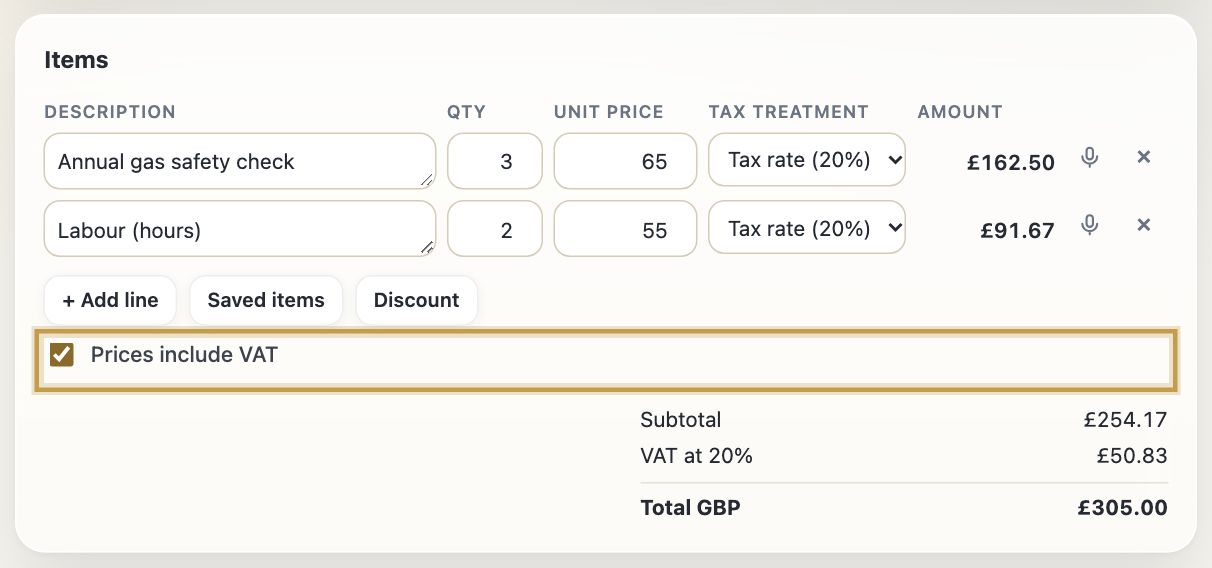
If the prices you type already include the tax, tick Prices include VAT (or GST, or your own tax name) under the items. The tax is then worked out from inside your prices, and the total stays what you typed. In the classic layout, the same tick box is under Country and tax.
-
Manage your rates
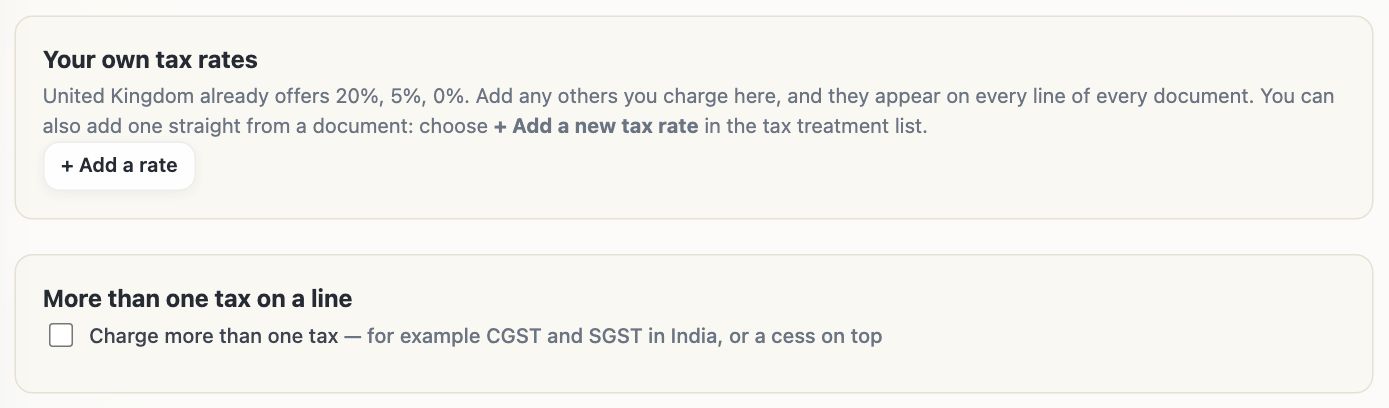
Your own rates live in Business details, under Your own tax rates, where you can change or remove them. You can also charge more than one tax on a line there, for example CGST and SGST.