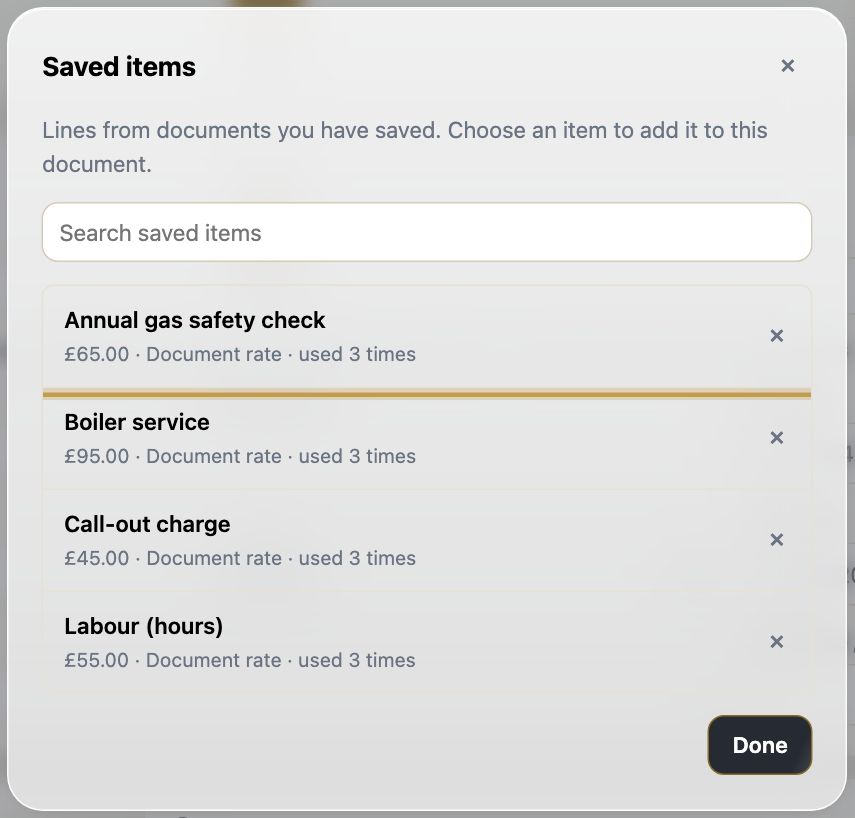
Save items you use again and again
Keep your usual lines and prices ready to drop onto any document.
-
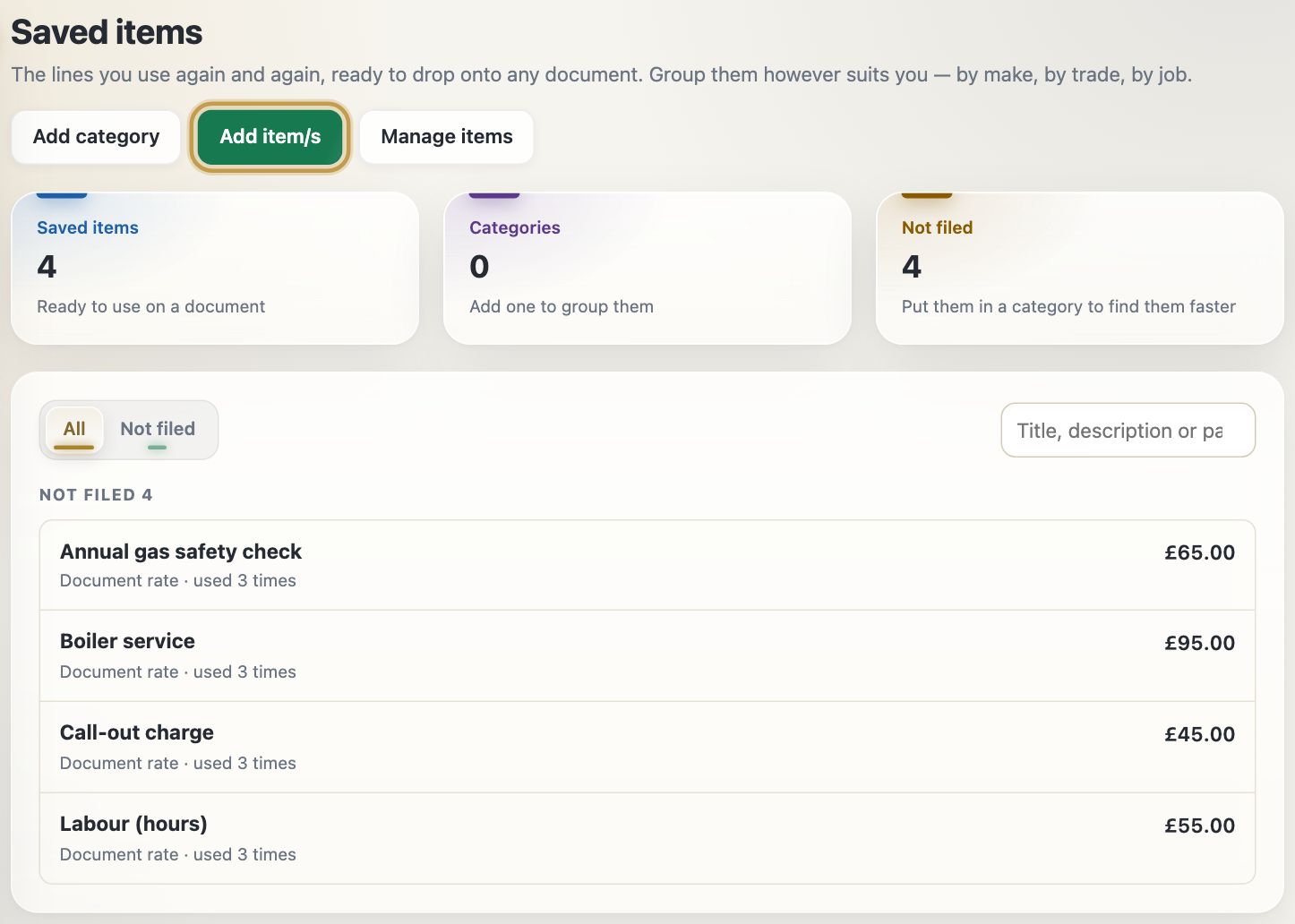
Open Saved items
Choose Saved items in the menu. Lines from documents you have saved are already here. Choose Add item/s to add one by hand.
-
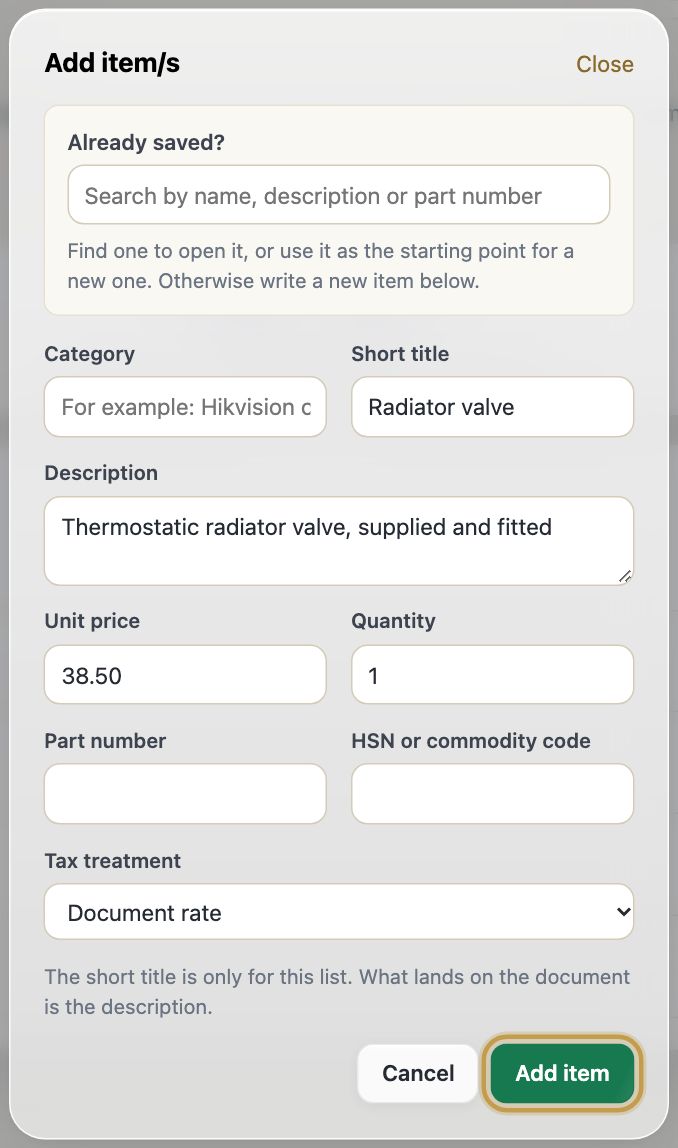
Describe the item
Give it a short title for the list, and the description, unit price and quantity that should go on documents. You can file it under a category, such as a trade or a supplier. Choose Add item.
-
Use it on a document
On any document, choose Saved items under the items, search if you like, and choose the item to add it.