Add your logo and signature
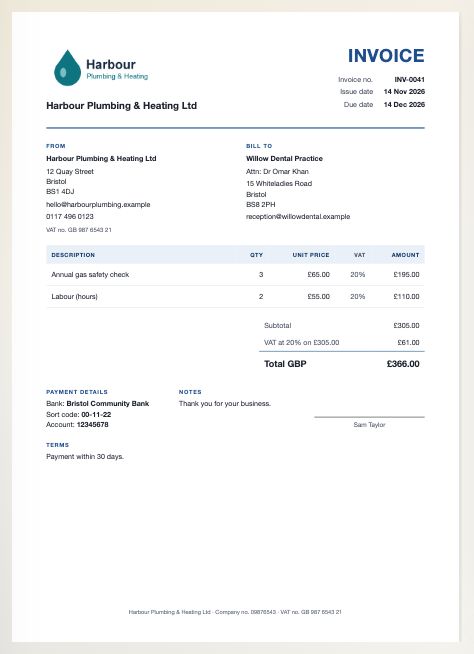
Put your logo at the top of every document, and a signature at the bottom.
-
Open Business details
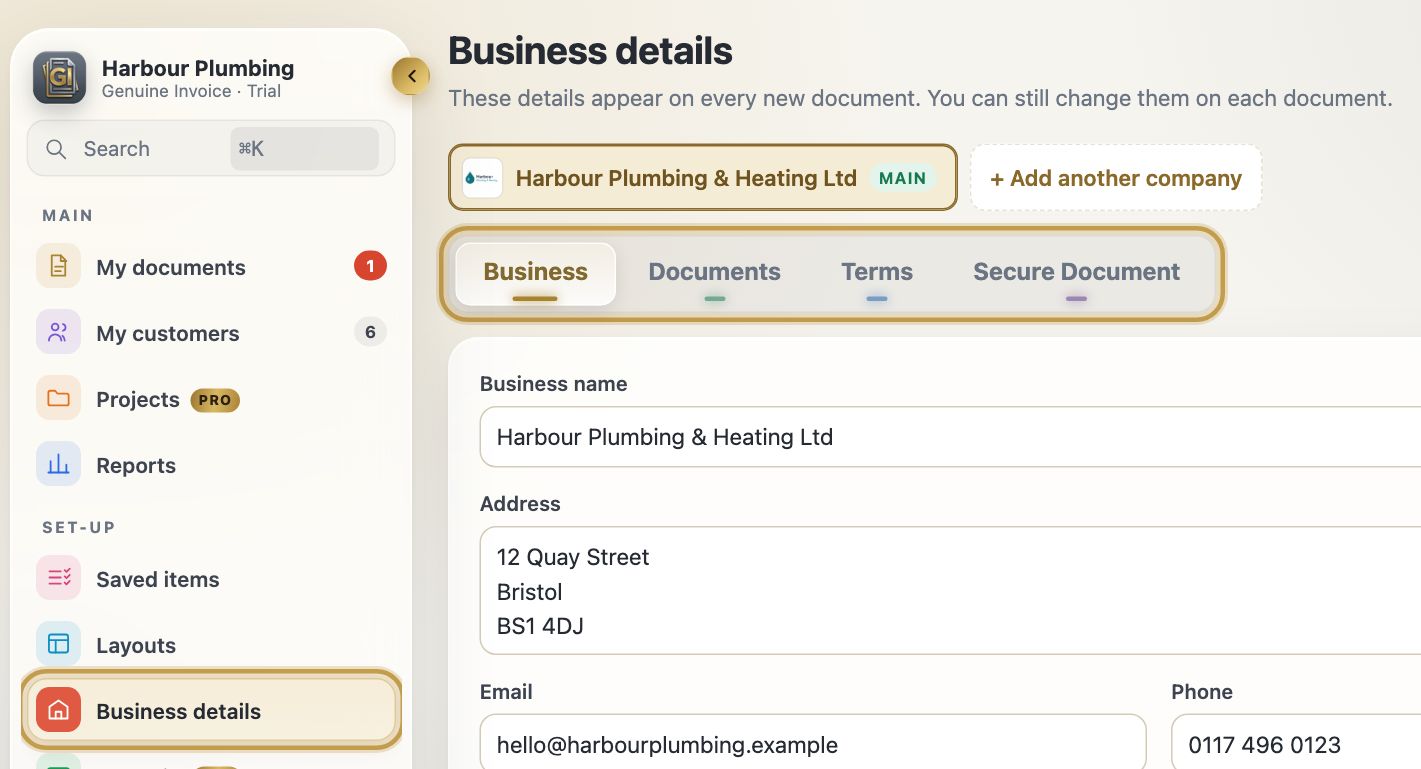
Choose Business details in the menu. On a phone, it is under More.
-
Upload your logo
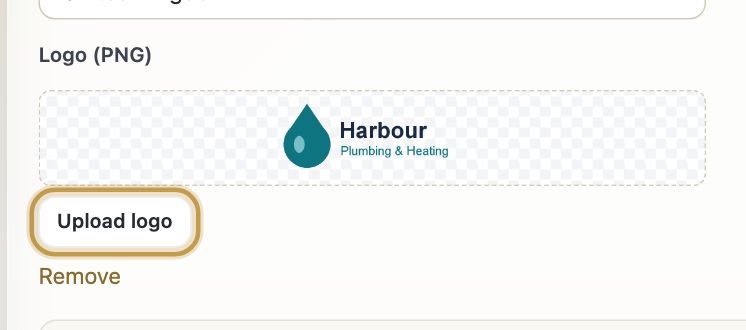
Under Logo (PNG), choose Upload logo and pick a PNG file. It is resized for you, so a large file is fine. A logo on a transparent background looks best.
-
Add who signs, and their signature
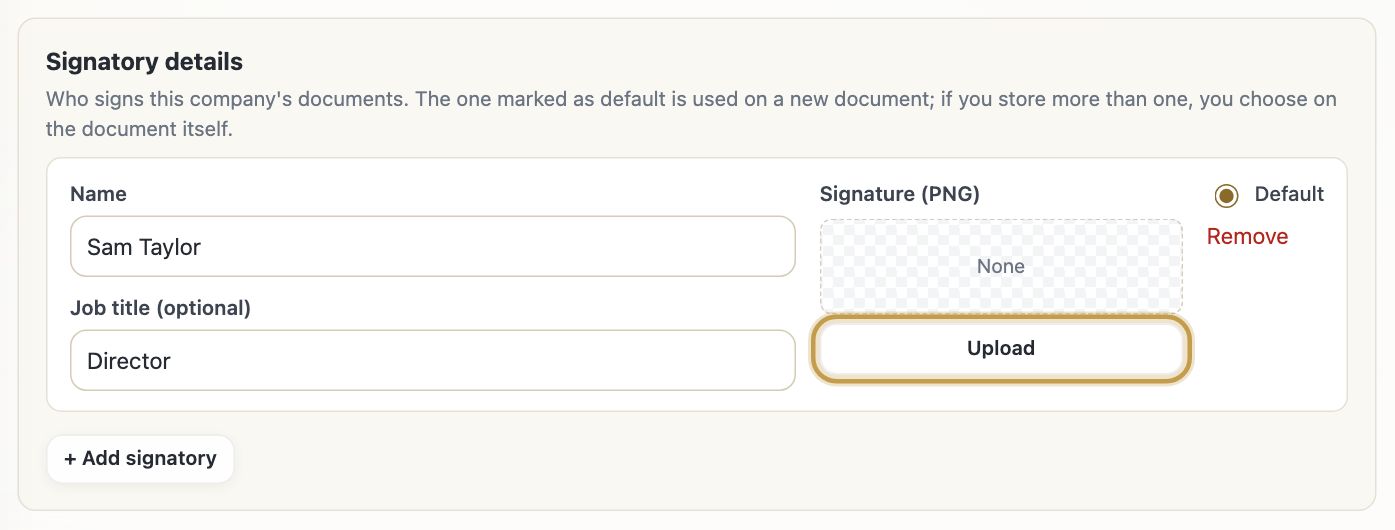
Under Signatory details, type the name of the person who signs your documents (and a job title if you like), then choose Upload to add a PNG of their signature. To add someone else, choose + Add signatory; the one marked Default goes on new documents.
-
Save
Choose Save business details.

-
See it on your documents
Your logo now sits at the top of every new invoice and quote, and the signatory at the bottom. To change the layout or colours, open Layouts in the menu.