Install the app on your phone
Put Genuine Invoice on your home screen, so it opens like any other app.
-
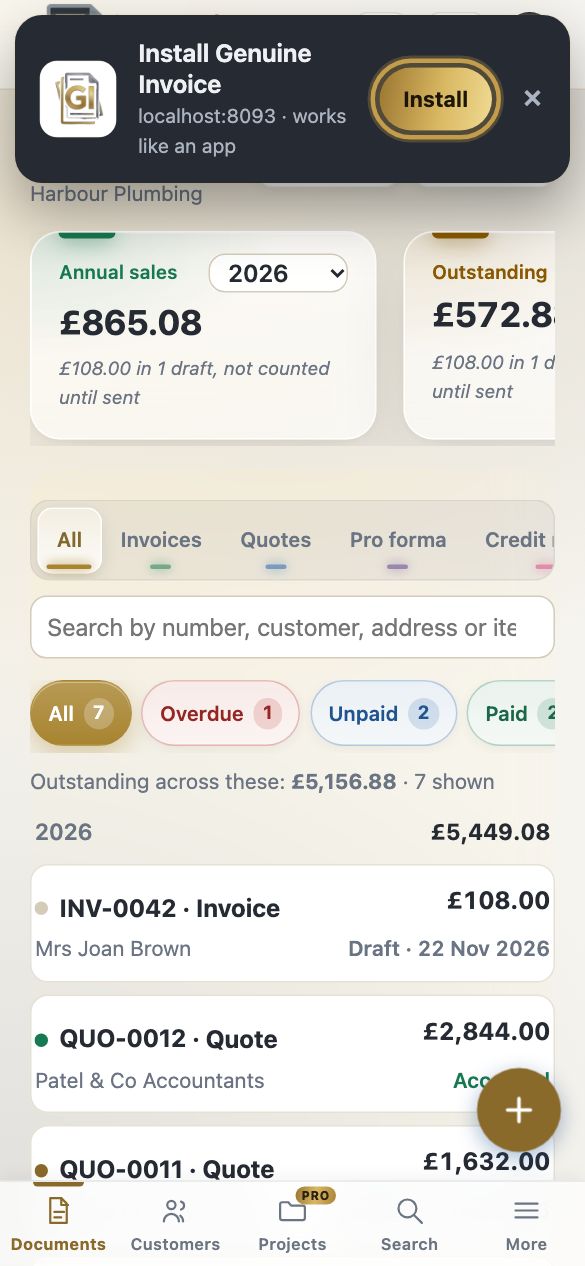
On Android: tap Install
Open Genuine Invoice in Chrome or Samsung Internet. A card slides in at the top saying Install Genuine Invoice: tap Install, then confirm. If your browser offers it, Install app in the menu behind your initial does the same.
-
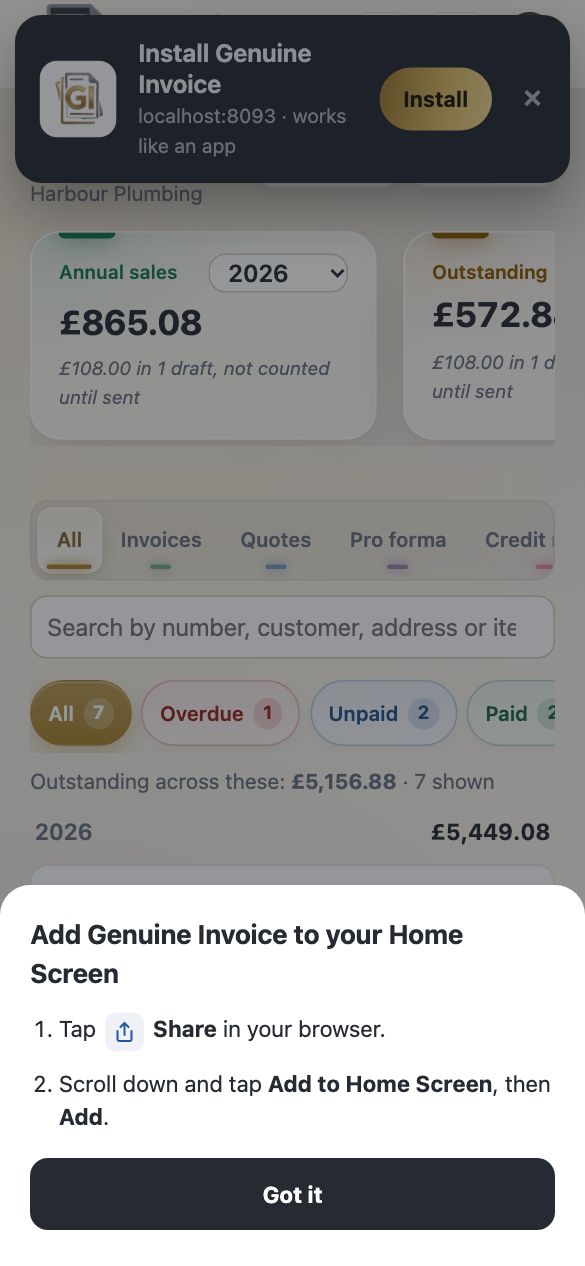
On an iPhone or iPad: use Share
Open Genuine Invoice in Safari. Tap Install on the card for the two steps: tap the Share button, then Add to Home Screen.