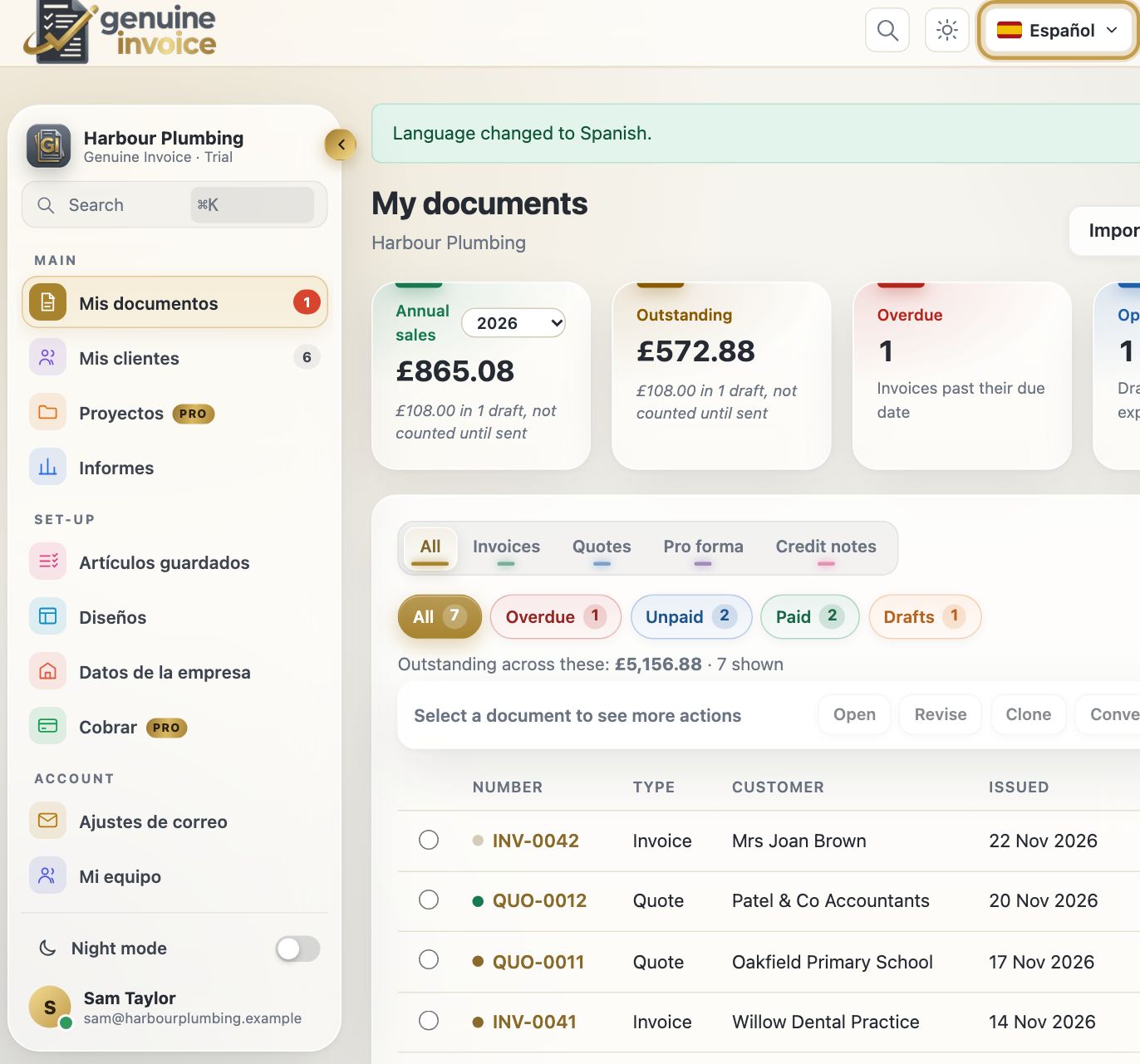
Change the language
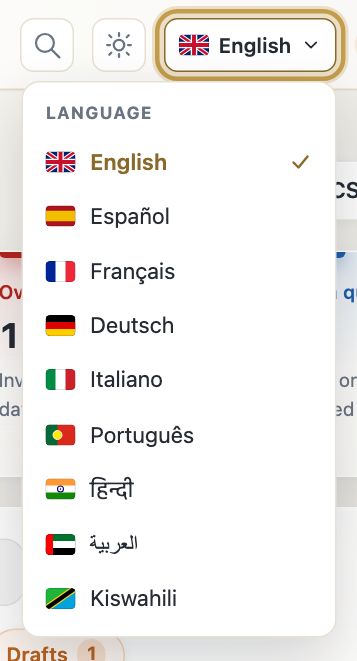
Use Genuine Invoice in English, Español, Français, Deutsch, Italiano, Português, हिन्दी, العربية or Kiswahili.
-
Open the language menu
Choose the language button at the top of the screen (it shows a flag and the language you are using now), then the language you want.
-
That is all
The menus and buttons change straight away, and your choice is remembered next time you sign in. Pages are being translated one by one, so a few may still be in English.