Let customers pay online
Add your PayPal or Stripe payment link, and every invoice carries a Pay button.
-
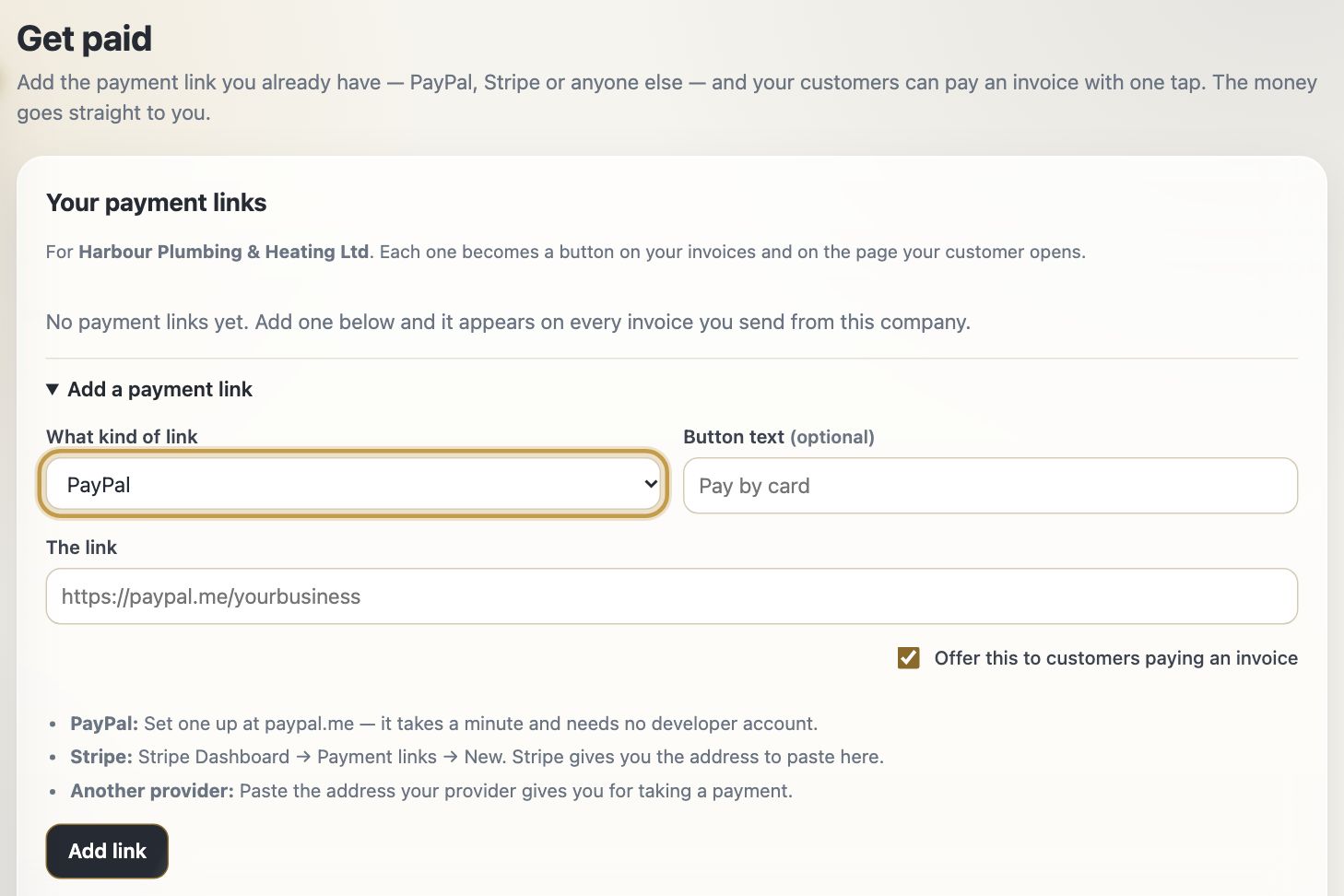
Open Get paid
Choose Get paid in the menu (it is part of the Pro plan, and of your free trial). Under Add a payment link, choose PayPal, Stripe or another provider.
-
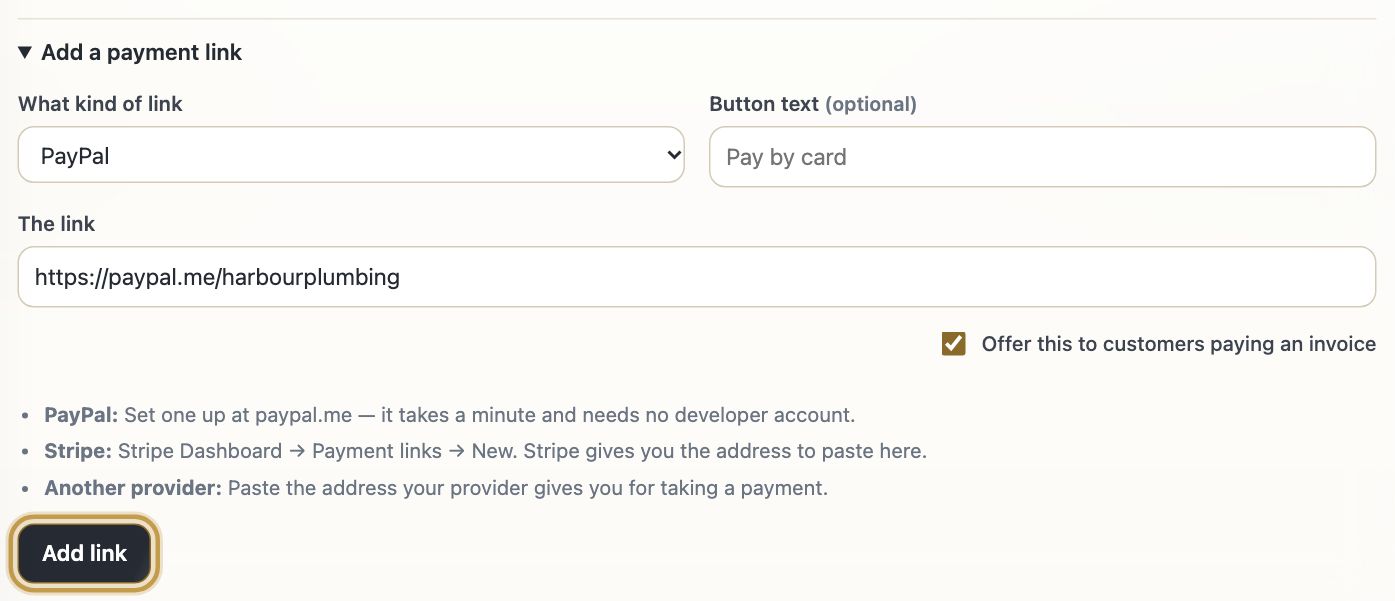
Paste your link and add it
Paste the payment link you already have from your provider, for example a PayPal.Me link. Change the button’s wording if you like, then choose Add link.
-
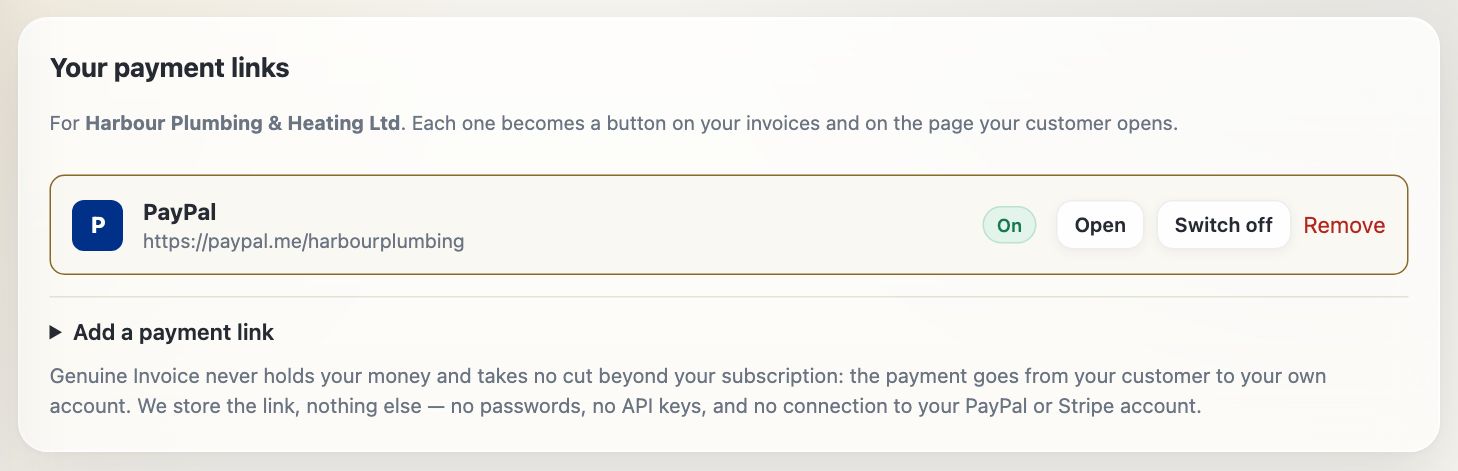
It is on every invoice
The link is listed under Your payment links. Every invoice you send now carries a button to pay you, and so does the page your customer opens from the QR code.