Sign up and start your free trial
Create your account in a couple of minutes. No card needed.
-
Choose Start free trial
On the home page, choose Start free trial at the top. On a phone it says Sign up.

-
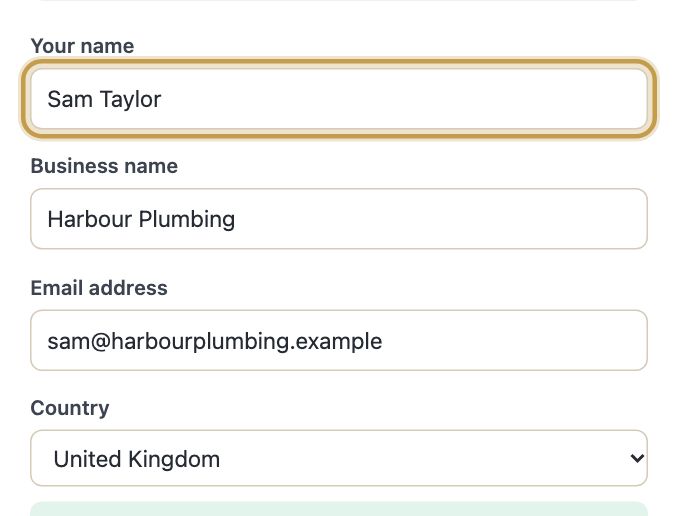
Fill in your details
Type your name, your business name and your email address, and choose your country. Then choose a password of at least 10 characters, with both letters and numbers, and type it again.
-
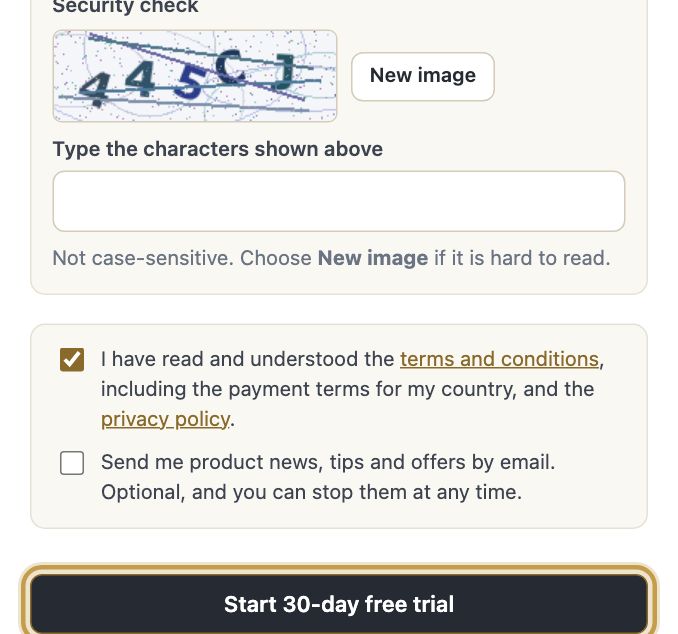
Pass the security check and agree to the terms
Type the characters shown in the picture (choose New image if they are hard to read), tick that you have read the terms and the privacy policy, and choose Start free trial.
-
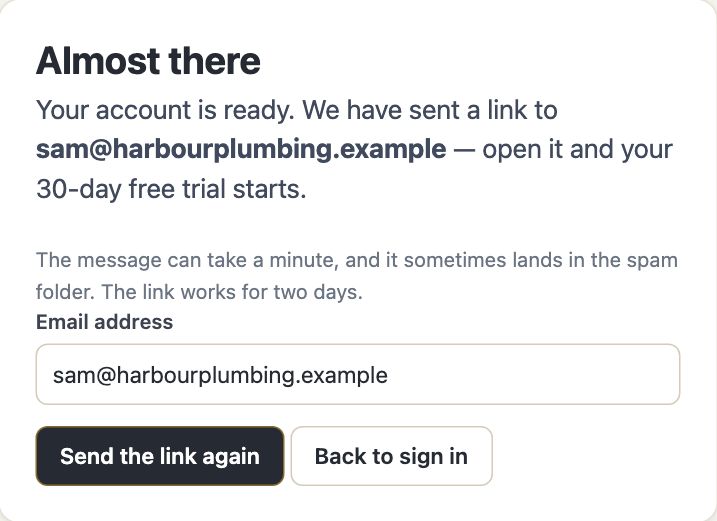
Confirm your email address
We send you a link. Open it, and your trial starts. It can take a minute to arrive, and sometimes lands in the spam folder; the link works for two days, and you can ask for it again.
-
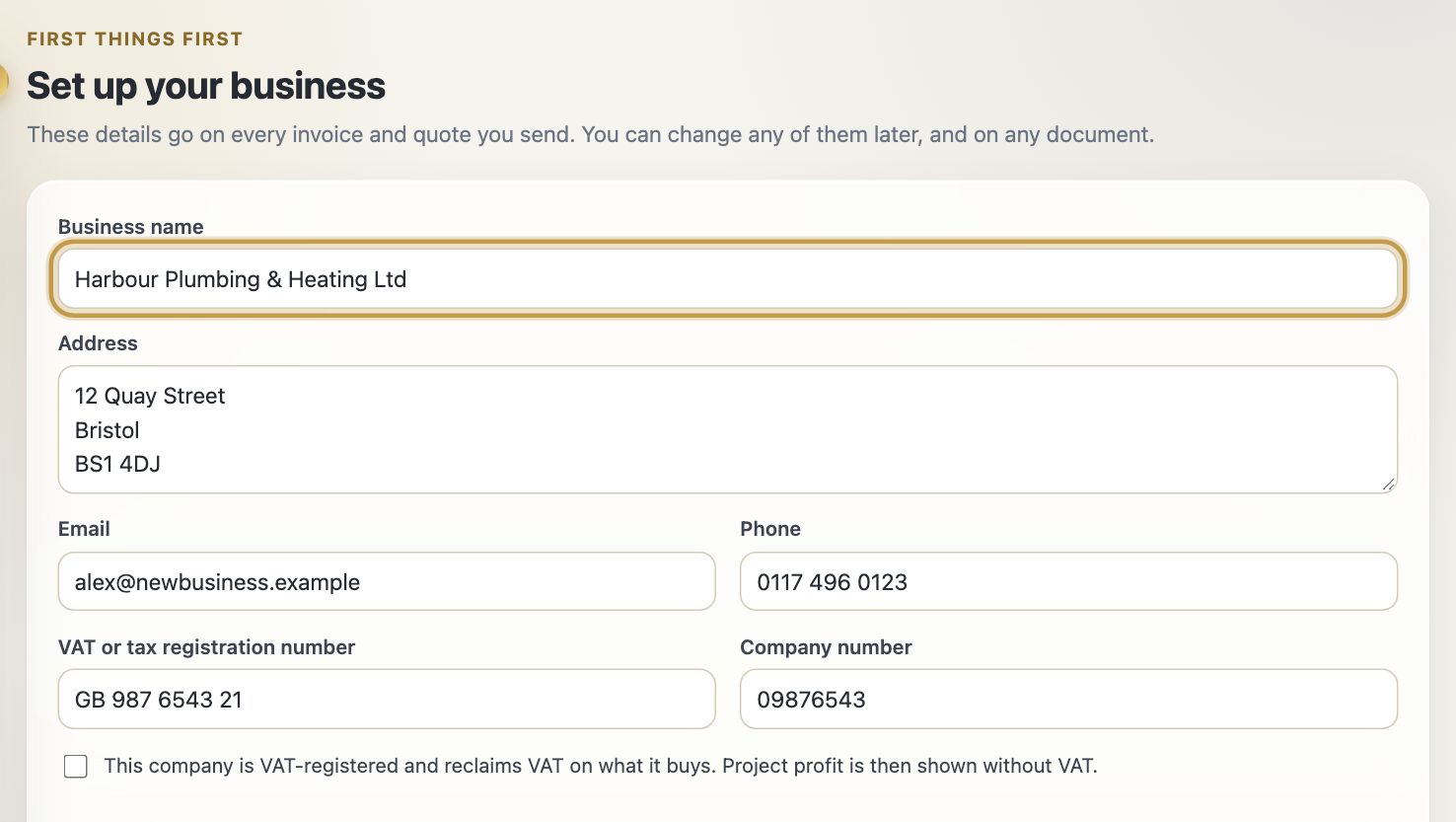
Set up your business
The first page you see asks for your business details. See Set up your business details.